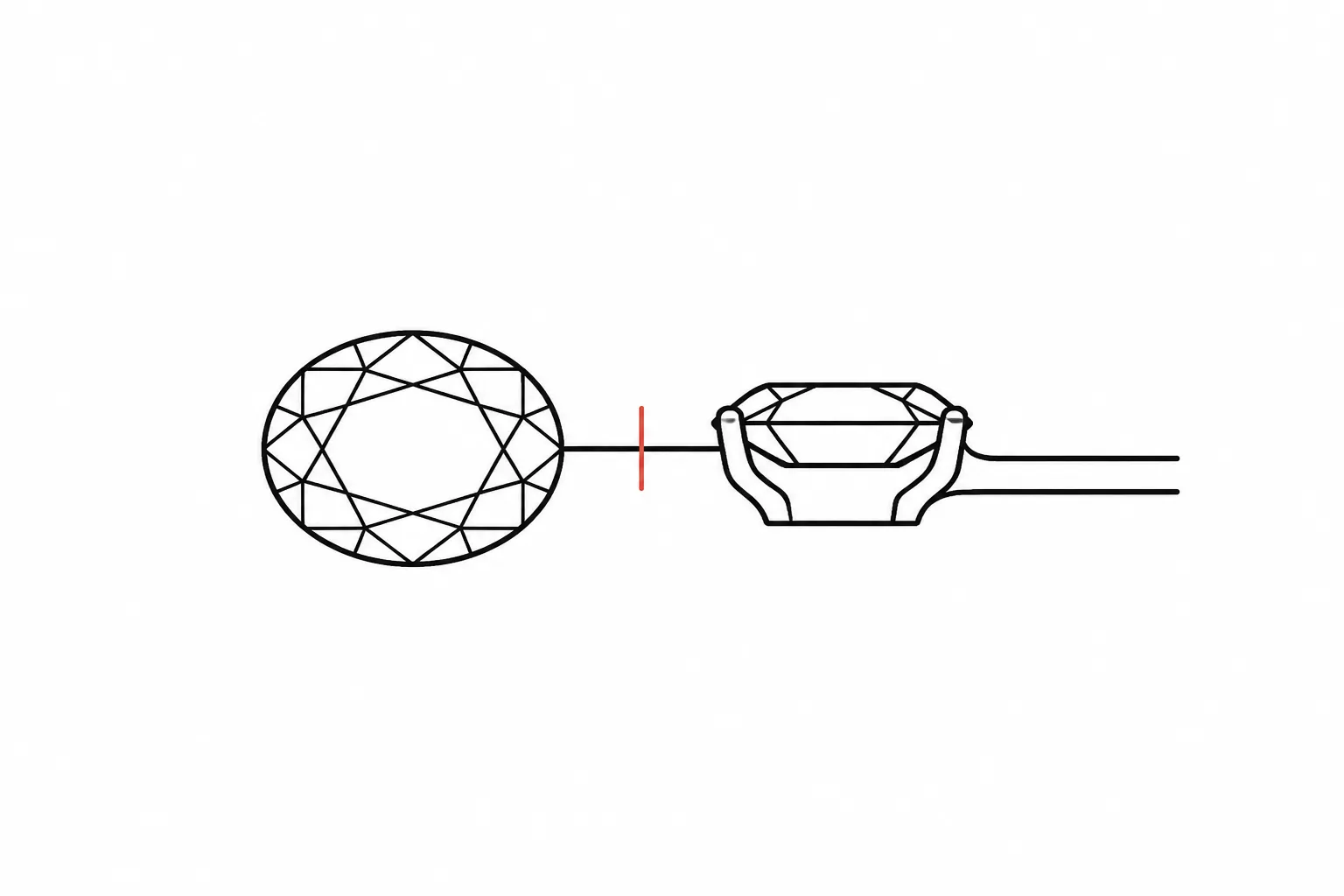
Fine Jewelry Preview Review
A jewelry design preview turns a ring, pendant, earring, or collection concept into something people can inspect before sourcing, measurement, CAD development, quotation, or workshop review. It can clarify direction. It cannot, by itself, settle every later decision.
The useful question is not only whether the image looks right. Ask what the preview shows, what the brief records, which details remain assumed, and who owns the next confirmation. This keeps a convincing image from standing in for measured specifications or production review.
What a Jewelry Design Preview Shows
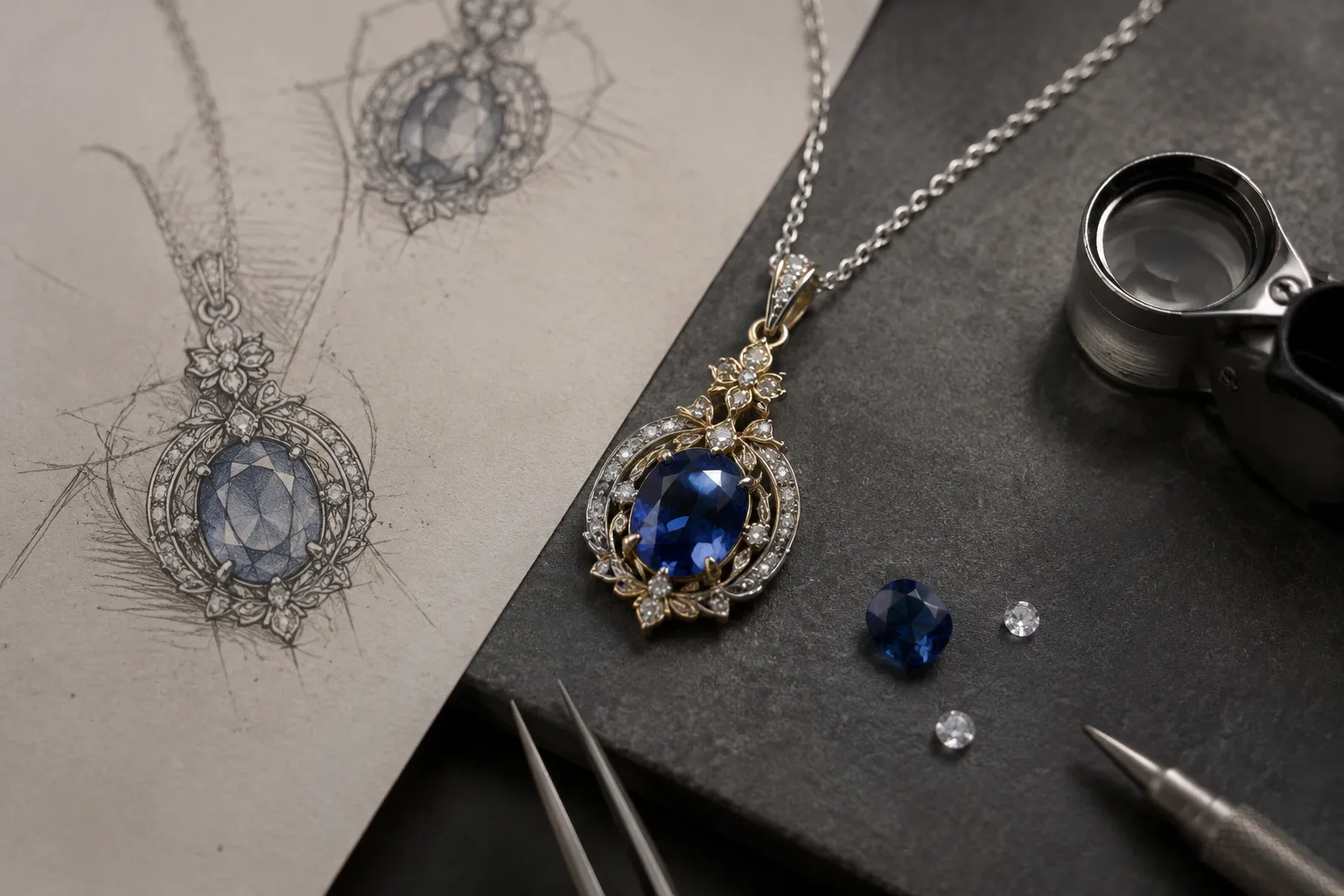
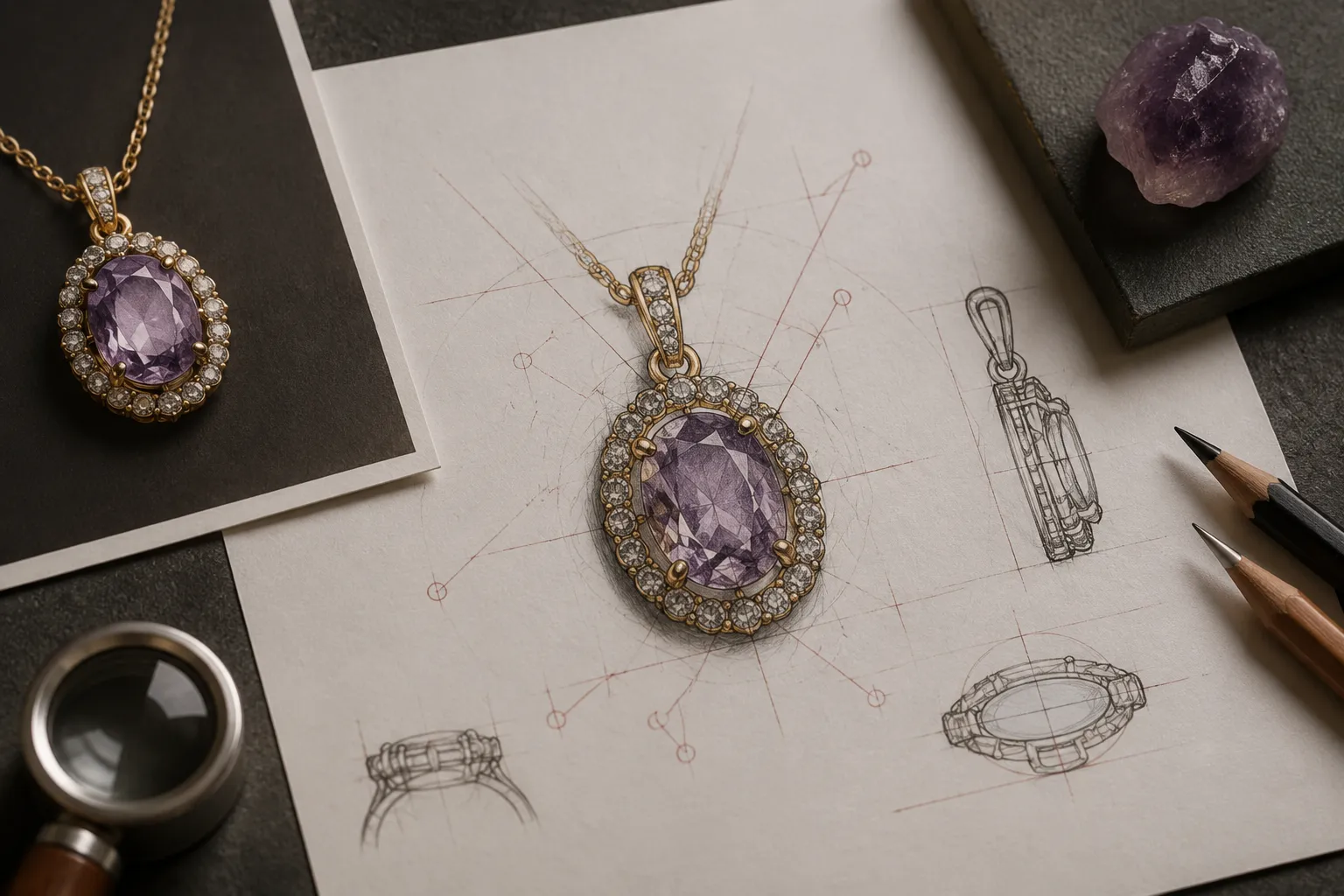
A fine jewelry design preview is a concept and discussion artifact. It may be a sketch, rendered image, annotated board, multi-view presentation, or another supplied visual record. Its job is to make form and preference reviewable.
| Status | Meaning in a review | Typical example |
|---|---|---|
| Shown | Directly visible in the preview | Outer silhouette, apparent arrangement, or surface contrast |
| Recorded | Stated in the brief, annotation, source record, or revision note | Preferred metal direction or intended finish |
| Assumed | Used to make the concept legible but not yet established | Hypothetical stone, dimension, price, or availability |
| Unresolved | Not answered by the available visual or written material | Exact setting construction or material identity |
| To confirm | Assigned to the appropriate next reviewer | CAD development, supplier, quotation owner, jeweler, or workshop |
The preview may communicate silhouette, relative placement, stone shape, setting direction, shank or gallery profile, clasp or bail form, and apparent contrast between polished, matte, or textured areas. These are visual observations. The brief may separately record an intended stone type, metal direction, approximate dimensions, wear context, or requested revision.
CAD development may establish geometry that the concept image does not show. A supplier record may address material or component information. A quotation proposes commercial terms. A qualified jeweler or workshop still needs to address measurements, fit, construction, durability, hallmarking, and manufacturing feasibility.
Start With the Decision the Preview Must Support
Before inspecting detail, identify the decision the image is meant to support. A client may be choosing between a narrow and broad silhouette. A designer may be comparing setting directions. A brand may be checking whether a pendant concept reads consistently across a collection. A jeweler may need a clearer record of what should change before preparing a more detailed file.
Match the review to that decision. For silhouette, inspect the outer contour, negative space, profile, and relationship between major forms. For a center stone, inspect shape, position, contrast, and visual emphasis. For finish, inspect how the surface appears under the stated lighting while keeping the material interpretation provisional.
A preview becomes difficult to review when it is expected to answer unrelated questions at once. Separate the visible preference from the confirmation it triggers.
Core Review Criteria
Multi-View Consistency
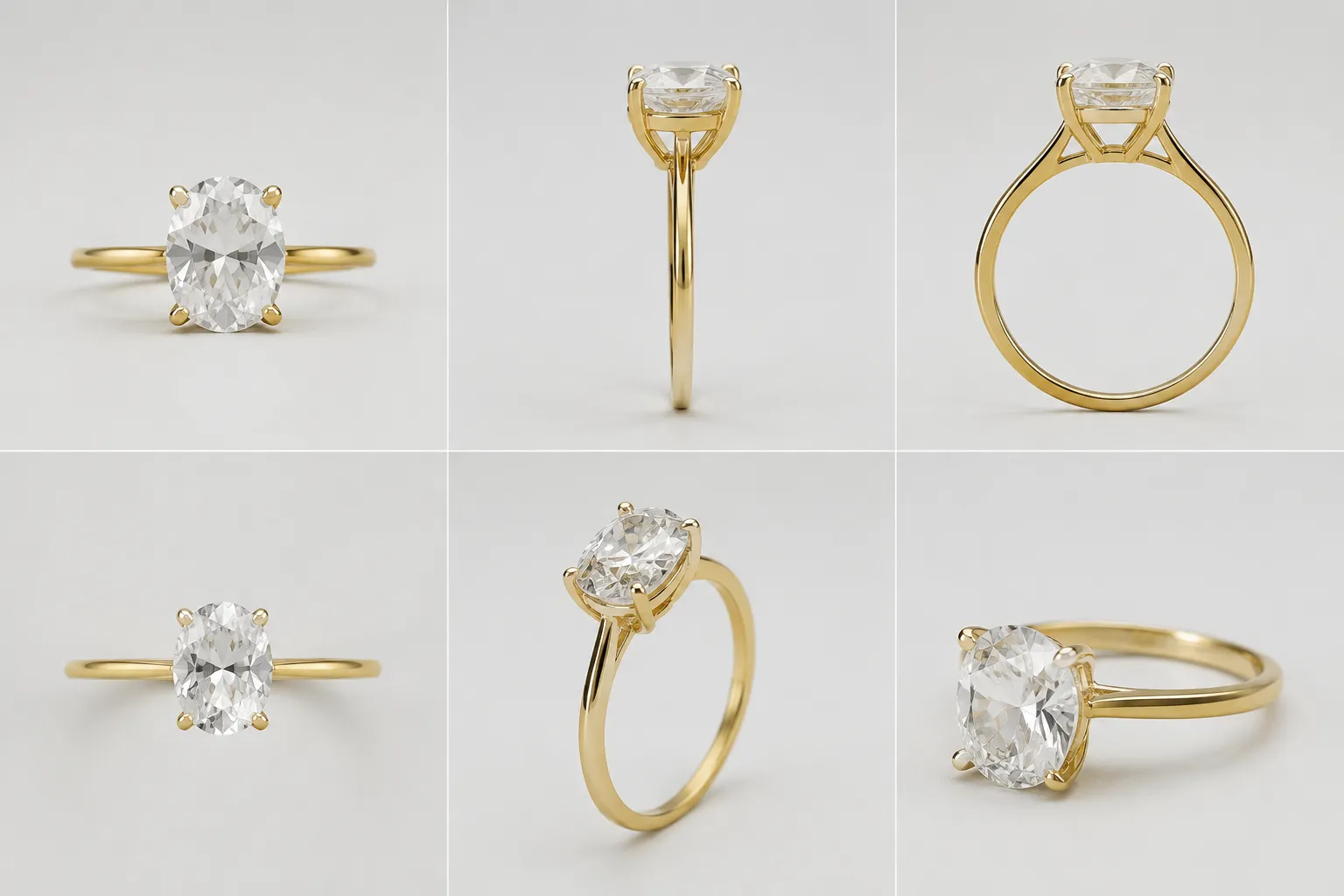
Compare front, side, top, and three-quarter views as descriptions of the same piece. Check the apparent width of a shank or pendant body, setting height, stone orientation and spacing, openings, galleries, bails, clasps, and finish direction.
A contradiction does not automatically make the concept wrong. It identifies a question for the next reviewer. A front view may suggest a low profile while a side view suggests substantial height. Record the difference, state which direction the brief supports, and ask whether the mismatch is deliberate, illustrative, or unresolved. A missing angle is also a review result; request the view needed to inspect the disputed feature.
Scale and Proportion
Cropping, perspective, camera distance, surrounding objects, and display size can change how large a feature appears. Discuss relationships such as center stone to frame, main form to band or chain, stone spacing to stone size, pendant body to bail, and ornament to surrounding negative space.
When dimensions are not recorded, use comparative language such as “appears narrow,” “reads as substantial,” or “suggests a close-set arrangement.” Then identify the missing scale cue. A known reference, documented dimension, or later CAD view may be needed. The preview does not establish exact measurements, weight, fit, or wear behavior.
Stone and Setting Readability
Review the stone and setting as design elements before making claims about materials. Ask whether the stone shape is clear, whether the center is separated from surrounding details, and whether the arrangement reads as a halo, frame, cluster, or another intended structure.
Check whether prongs, bezels, channels, or other setting cues are visible, and whether lighting or overlap makes the stone appear larger, brighter, deeper, or more transparent than the brief supports. Terms such as shape, size, orientation, spacing, empty space, and visual balance can organize the discussion, but they do not authenticate a stone or confirm that a proposed setting is feasible.
Metal and Finish Direction
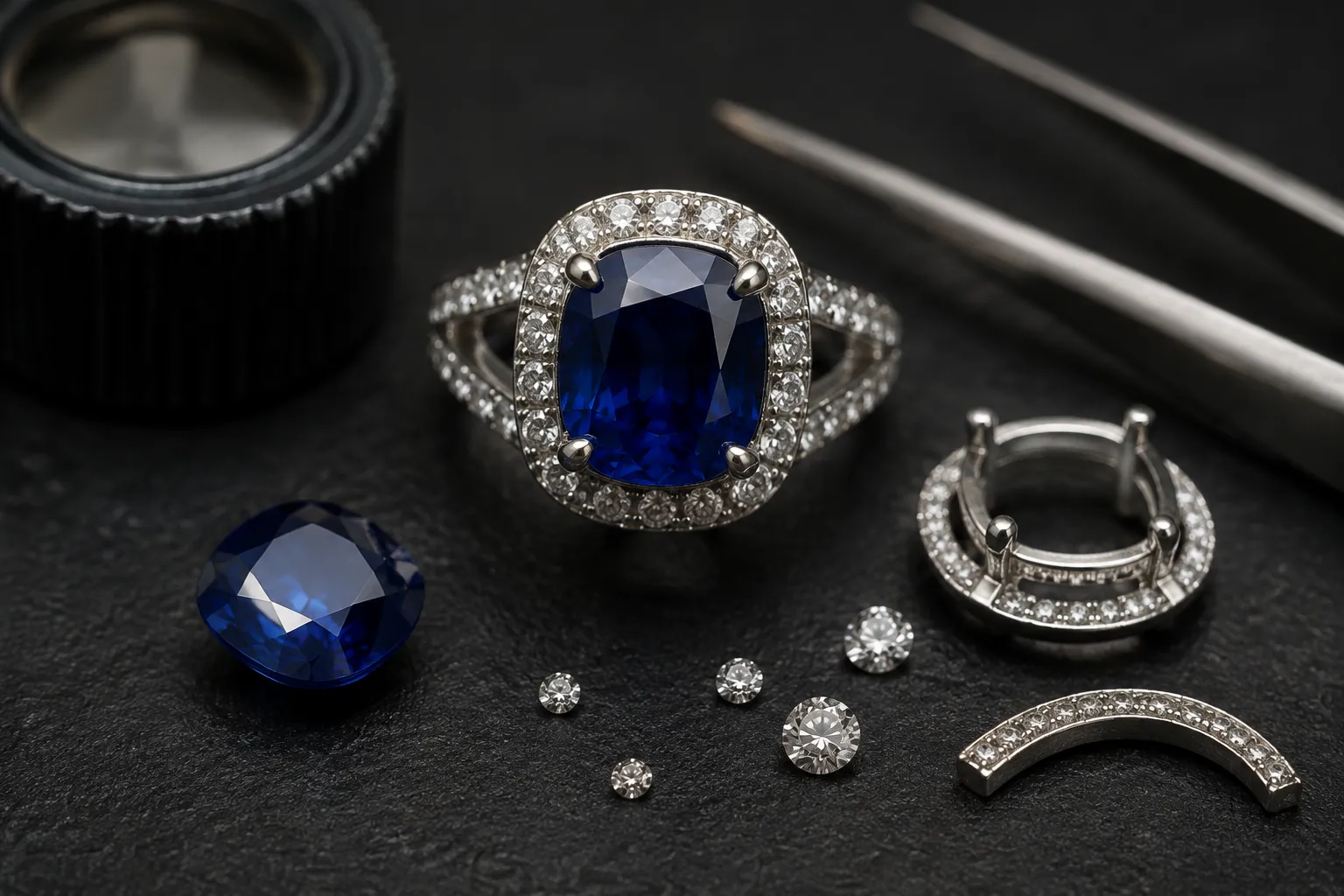
Color, highlights, shadows, and texture can communicate a finish direction without establishing the actual material or process. Compare metal color across views and note which surfaces appear polished, brushed, satin, textured, or deliberately contrasted.
Separate what is visible from what is recorded. “The preview suggests a warm polished surface” describes the image. “The brief records a matte finish, but the lighting makes it read as reflective” identifies a revision issue. The responsible material source or workshop still needs to confirm metal specification, fineness, finish process, durability, and maintenance implications.
Diagnose Misleading Preview Cues
Some cues can distort a decision without being intentional errors. A dark background can increase contrast. A bright highlight can make an edge seem sharper. A close crop can enlarge a component visually. A simulated reflection can suggest a material property that has not been confirmed.
- Check whether lighting makes one feature more prominent than another.
- Compare perspective and camera distance before judging depth or width.
- Distinguish a recess from a shadow or an unshown surface.
- Ask whether a hand model or background provides a reliable scale cue.
- Use matching lighting and camera conditions when comparing options.
- Request a neutral background, side view, scale reference, or provisional-material label when needed.
Research into realistic visualization supports a practical boundary: even a physically informed rendering remains an approximation that may need comparison with real-world observation when accuracy matters. That principle helps structure the review; it does not establish that a particular preview is physically accurate.
Annotate Changes and Control Revisions
A useful revision record tells the next reviewer what changed, why it changed, and what remains open. Keep observations separate from requested changes and confirmation ownership.
| Record field | Example |
|---|---|
| Observation | The outer frame appears heavier in the right three-quarter view. |
| Requested revision | Reduce the apparent visual weight while preserving the central opening. |
| Open question | Is the change visual only, or should the underlying geometry change? |
| Confirmation owner | CAD development or workshop review, depending on the project stage. |
For comparisons, retain the same view, background, scale cue, and labeling where possible. A lighting change can look like a metal change, while a crop can look like a proportion change. Record the revision identifier or date supplied by the project owner so that the visual record can travel with the next handoff.
Move From Preview to Handoff
Each visible decision should point to its next evidence owner. The following map is a routing aid, not a production specification.
| Review item | The preview may show | What remains open | Next confirmation |
|---|---|---|---|
| Silhouette | Outer contour and visual emphasis | Exact geometry and measurements | CAD development |
| Stone direction | Shape, placement, and contrast | Identity, availability, size, and suitability | Supplier record and qualified review |
| Setting direction | Apparent prongs, bezel, halo, or frame | Construction and feasibility | CAD or workshop review |
| Metal direction | Color and surface appearance | Specification, fineness, and confirmed finish | Supplier or jeweler review |
| Scale cue | Relative proportions | Dimensions, fit, and wear context | Measurement and professional review |
| Price direction | A stated budget or quotation proposal | Final terms and inclusions | Quotation owner |
| Source material | A supplied reference image or record | Permission, license, or reuse status | Rights holder or source record |
| Revision | A marked change request | Whether the change affects geometry or cost | Assigned next reviewer |
A concise handoff note can follow this pattern: “The preview shows [visible feature]. The brief records [stated intention]. The current image does not establish [unknown]. Please confirm [specific question] before [next commitment].”
For example, a preview may show a raised center element with a narrow surrounding frame while the brief records a low-profile direction. If the views do not establish the intended height or construction, profile confirmation should precede quotation review.
Let the Earliest Unresolved Dependency Lead
The first unresolved dependency should control the next commitment. If the silhouette is unclear, request a better view before debating finish. If the stone arrangement is unclear, resolve the visual direction before seeking a detailed quotation. If a source has no usable rights record, resolve that issue before publishing or distributing the visual. If a requested change affects height, fit, setting, or construction, route it to CAD or workshop review before treating the concept as settled.
This order keeps later work attached to an identifiable premise. It also preserves the distinction between concept direction, recorded source evidence, provisional inference, quotation proposal, and professional confirmation.
What the Preview Does Not Confirm
- Exact gemstone identity, grade, provenance, or availability
- Exact metal type, fineness, hallmarking, or surface durability
- Measured dimensions, weight, fit, comfort, or wear behavior
- Final price, commercial availability, or quotation inclusions
- Structural strength or manufacturing feasibility
- CAD completeness or workshop approval
- Rights clearance for reference imagery
- A final quotation or production instruction
These questions may become answerable through supplier documentation, measurements, CAD development, quotation records, rights documentation, and qualified workshop review. Until then, retain them as assumptions or unresolved items.
A Practical Review Sequence
- Identify the decision the preview is meant to support.
- Mark direct visual observations before interpreting them.
- Compare supplied views for contradictions and missing angles.
- Check relative proportions and identify missing scale cues.
- Review stone and setting readability without inferring unsupported material facts.
- Review metal and finish direction under the stated visual conditions.
- Check lighting, perspective, crop, and rendering cues that could mislead.
- Record source and rights status for external reference material.
- Separate requested revisions from unresolved questions.
- Assign the earliest unresolved dependency to the relevant confirmer.
- Carry status and revision context into the next handoff.
The sequence can be shortened for a simple concept or expanded for a collection review. Its purpose is to preserve the difference between seeing a direction and confirming a specification.
Common Questions
Is a jewelry design preview the same as a CAD model?
No. A preview communicates concept direction and visible relationships. CAD development may establish more detailed geometry, but the file and review stage determine what has actually been established.
Can a realistic preview confirm the gemstone or metal?
No. Realistic appearance can make a material interpretation easier to discuss, but it does not authenticate a stone, establish provenance, confirm metal fineness, or prove availability.
What should I do when front and side views disagree?
Record the contradiction precisely. State which feature differs, identify any intended direction recorded in the brief, and request the view or development step needed to resolve it.
Does source attribution clear a reference image for reuse?
No. Check the license, permission record, or rights-holder communication before reuse.
When should a preview move to CAD development?
When the visible concept is clear enough for the next geometry question to be meaningful. Carry its open assumptions and revision history into that step.
Sources
These sources inform the article's discussion of visualization, layout, and preview limitations. They do not establish material identity, rights status, measurements, pricing, or manufacturing feasibility for an individual design.