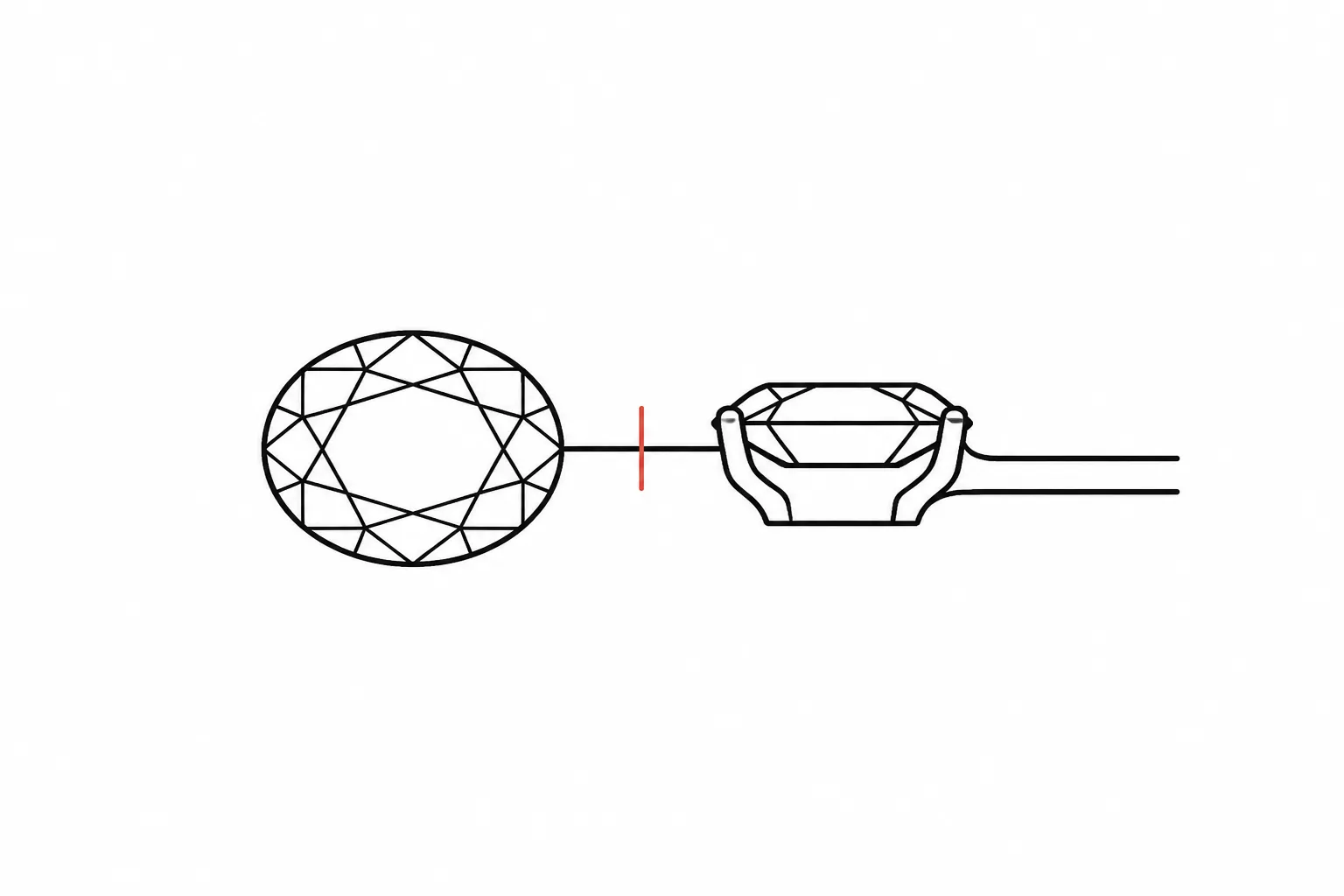
Jewelry Brief Revision Notes
A visible preference becomes useful when it is recorded as a specific change. “Make it lighter” describes a reaction, but it does not identify whether the reviewer means a narrower shank, a lower gallery, fewer accent stones, or a different metal color.
Useful jewelry brief revision notes connect the reviewed feature, the requested visual consequence, the decision status, and the next confirmation owner. The preview shows a concept direction. It does not establish measurements, sourcing, price, rights, CAD geometry, or workshop feasibility.
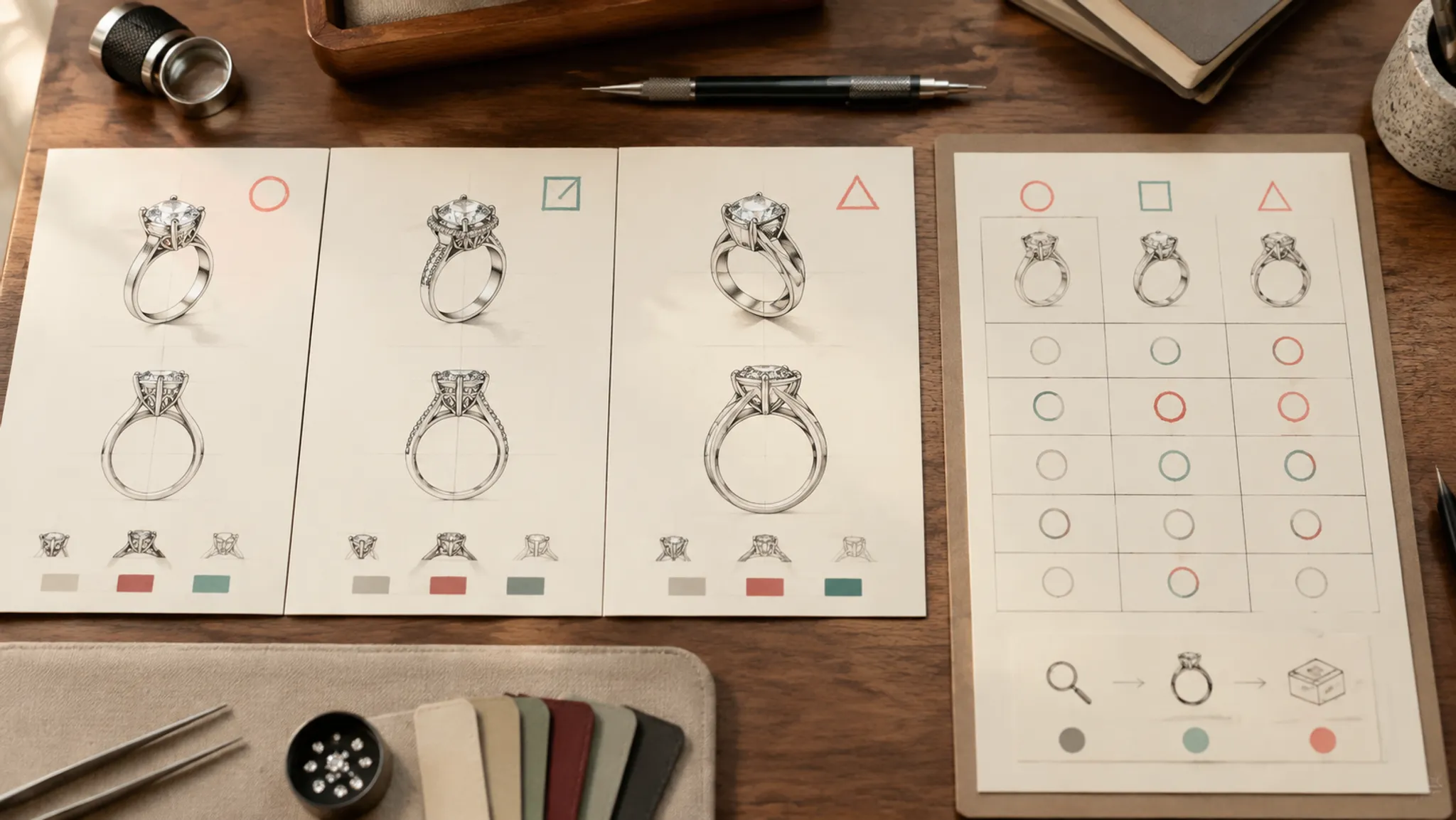
More specific pages
These pages continue the topic in smaller, more specific directions.
Record Each Change as Requested, Accepted, Rejected, or Pending
Requested, Accepted, Rejected, and Pending provide a practical framework for jewelry design revisions. They are editorial decision labels, not a universal jewelry-industry standard.
| Status | What it records | Use it when | What remains open |
|---|---|---|---|
| Requested | A specific change has been proposed | The direction is clear enough to compare but has not been selected | Feasibility, cost, availability, dimensions, and later approval |
| Accepted | The change will carry into the next defined stage | The responsible decision-maker has selected the direction | Anything outside the stated scope, such as CAD geometry or material confirmation |
| Rejected | The option will not carry forward | The direction has been considered and declined | Whether the option was technically possible |
| Pending | A named question remains unresolved | Another record or responsible role must provide information | The final decision after that information arrives |
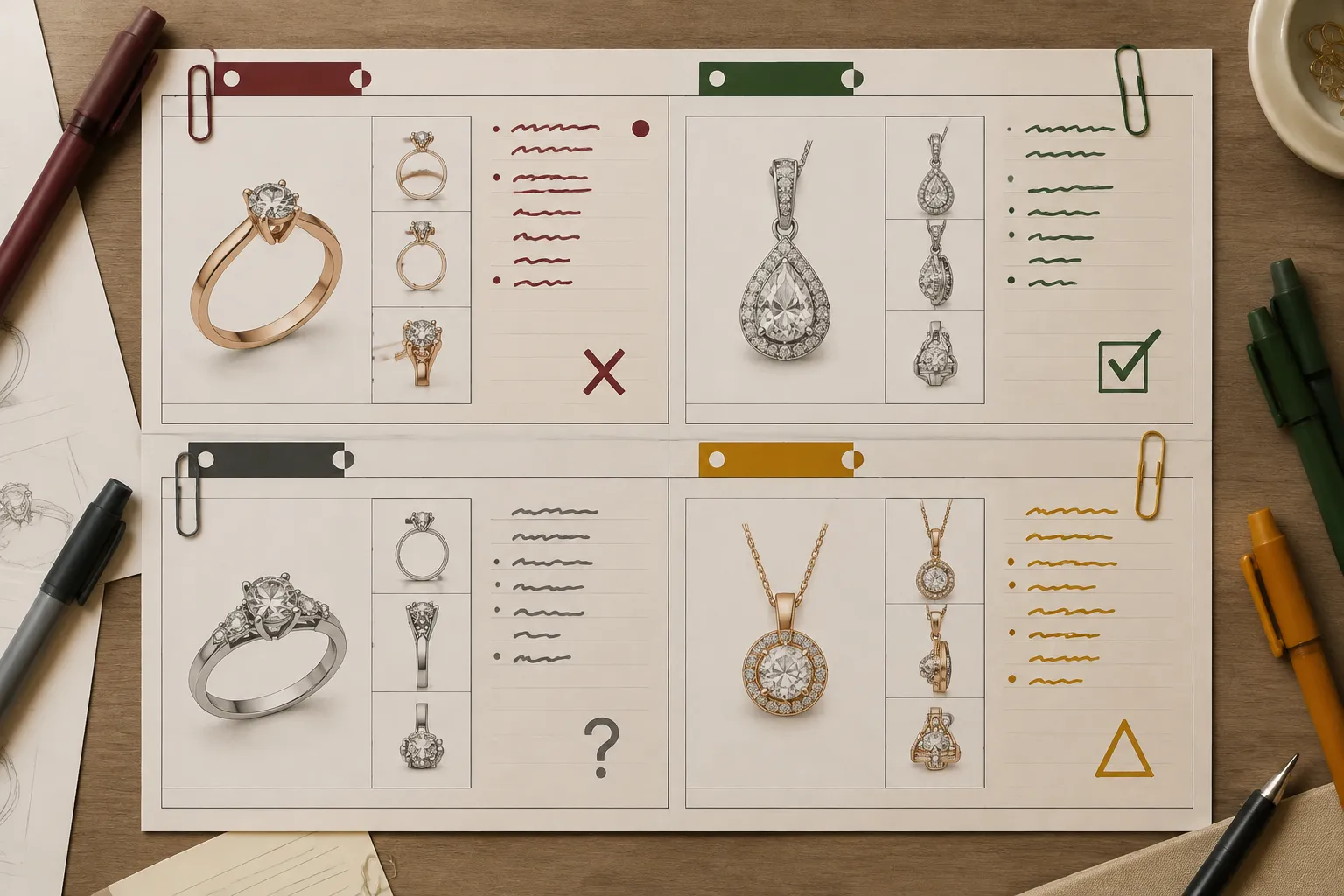
Status belongs to an individual change, not to the entire piece. One ring brief could contain an accepted stone-shape direction, a rejected halo, and a pending gallery-height question.
“Design accepted” is too broad when separate decisions remain open.
What a Revision Note Needs to Record
Each entry should make sense without relying on memory or a long message thread. It can remain compact if it identifies the artifact, change, scope, status, evidence basis, and next owner.
- Revision ID: A short identifier that distinguishes the entry from other changes.
- Reviewed version: The exact brief, board, or preview version under discussion.
- Affected item and view: The ring, pendant, earring, clasp, packaging mockup, or collection component, followed by the relevant front, profile, reverse, or comparison view.
- Visible feature: The element that can be observed in the supplied artifact.
- Requested consequence: What should look or compare differently after the revision.
- Decision criterion: The visual or practical distinction guiding the choice.
- Status and scope: Requested, Accepted, Rejected, or Pending, with the stage to which that status applies.
- Evidence basis: The preview, supplied brief, source record, supplier document, workshop note, or editorial interpretation supporting the entry.
- Assumptions: Unconfirmed dimensions, stones, metals, finish, availability, pricing, or rights status.
- Confirmation owner: The person or role responsible for the next unresolved check.
- Next check: The decision or evidence needed before the entry advances.
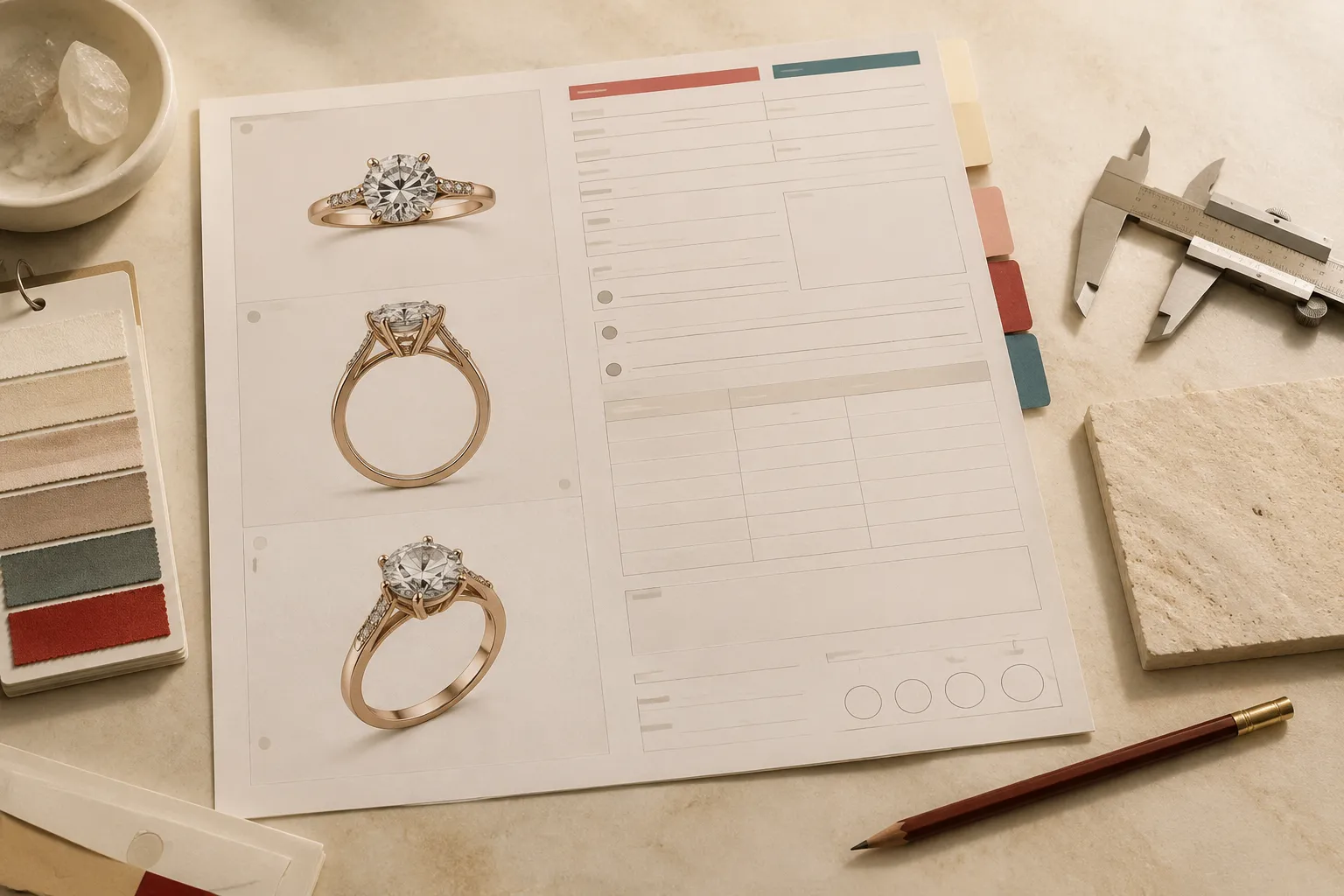
The version field prevents a correct comment from being applied to the wrong concept. “Change the bezel” remains ambiguous if one preview shows a full bezel and another shows open sections.
Turn a Visible Preference Into a Reviewable Change
Consider the comment, “I like the second ring because the center stone looks more prominent.” The reaction is clear, but its cause is not. A narrower halo, slimmer shank, different viewing angle, larger illustrated stone, or tighter crop could create the same impression.
Requested: Carry forward the more prominent center-stone appearance shown in Preview B. Compare whether the effect comes from halo spacing, shank width, or viewing angle. Center-stone dimensions remain unconfirmed. The CAD reviewer should identify which controllable feature to test next.
This records the preference without turning apparent scale into a specification. The same method applies to other vague comments:
- Replace “make the pendant more delicate” with “reduce the visible width of the outer frame while retaining the current central silhouette.”
- Replace “use fewer prongs” with “compare the four-prong appearance with the current six-prong view; setting suitability remains for later design and workshop review.”
- Replace “make the earrings match” with “align the outer profile and finish direction; confirm whether the clasp construction should match or only the visible front.”
- Replace “change it to yellow gold” with “carry a yellow-metal color direction into the next concept view; alloy, finish, availability, and quotation remain unresolved.”
When one request contains several independent decisions, split it. Combining stone shape, gallery height, shank width, and finish makes the next comparison difficult to interpret.
How the Four Decision States Differ
Requested Changes
Use Requested when the desired change is identifiable but no selection has been recorded. The entry should be precise enough to compare without assuming the change can be sourced, measured, quoted, or made.
Requested: Compare the current clean bezel silhouette with a version using a visible beaded edge and more articulated side detail. Treat both as visual directions. Exact construction and finish require later confirmation.
This is more useful than “try a vintage-style setting” because it identifies the affected form and the criterion separating the options.
Accepted Changes
Use Accepted when the relevant reviewer has selected a direction for a defined next stage. Acceptance needs scope: an accepted silhouette is not an accepted measurement, and an accepted color direction is not a confirmed metal specification.
Accepted for concept direction: Retain the oval center-stone silhouette and tapered shank shown in Preview C. Stone identity, dimensions, setting construction, and metal specification remain outside this decision.
Conditional acceptance is useful only when it names a real next check. It should not make an unresolved entry appear complete.
Rejected Changes
Use Rejected when an option has been considered and will not carry into the next brief version. Add one concise reason so a later reviewer does not reintroduce it without understanding the comparison.
Rejected: Do not carry forward the full halo from Preview A. It changes the selected outer silhouette more than the narrow border shown in Preview B.
Keep the rejected entry in the decision history. Deleting it removes the distinction between an option that was declined and one that was never reviewed.
Pending Changes
Use Pending when a named question must be answered before the decision can proceed. “Pending review” records delay but identifies neither responsibility nor the next check.
Pending: Confirm the intended wearing length before selecting the chain proportion for the next pendant preview. The client or designated brief owner should provide the target measurement.
Different questions belong to different owners. A supplier can provide recorded material information and current availability. A CAD reviewer can develop modeled dimensions. A workshop can assess construction. A rights record or rights-holder communication must support image-use permission.
Pending is a valid state. It is more accurate than forcing an unresolved change into Accepted or Rejected.
Compare Concept Direction With CAD Development
A concept preview and a CAD record answer different questions. The preview can support choices about outline, apparent visual weight, stone-shape direction, color direction, and relationships between major elements.
CAD development can later record modeled geometry and dimensions. Its review status and intended use must still be clear; a precise-looking image is not automatically a final workshop instruction.
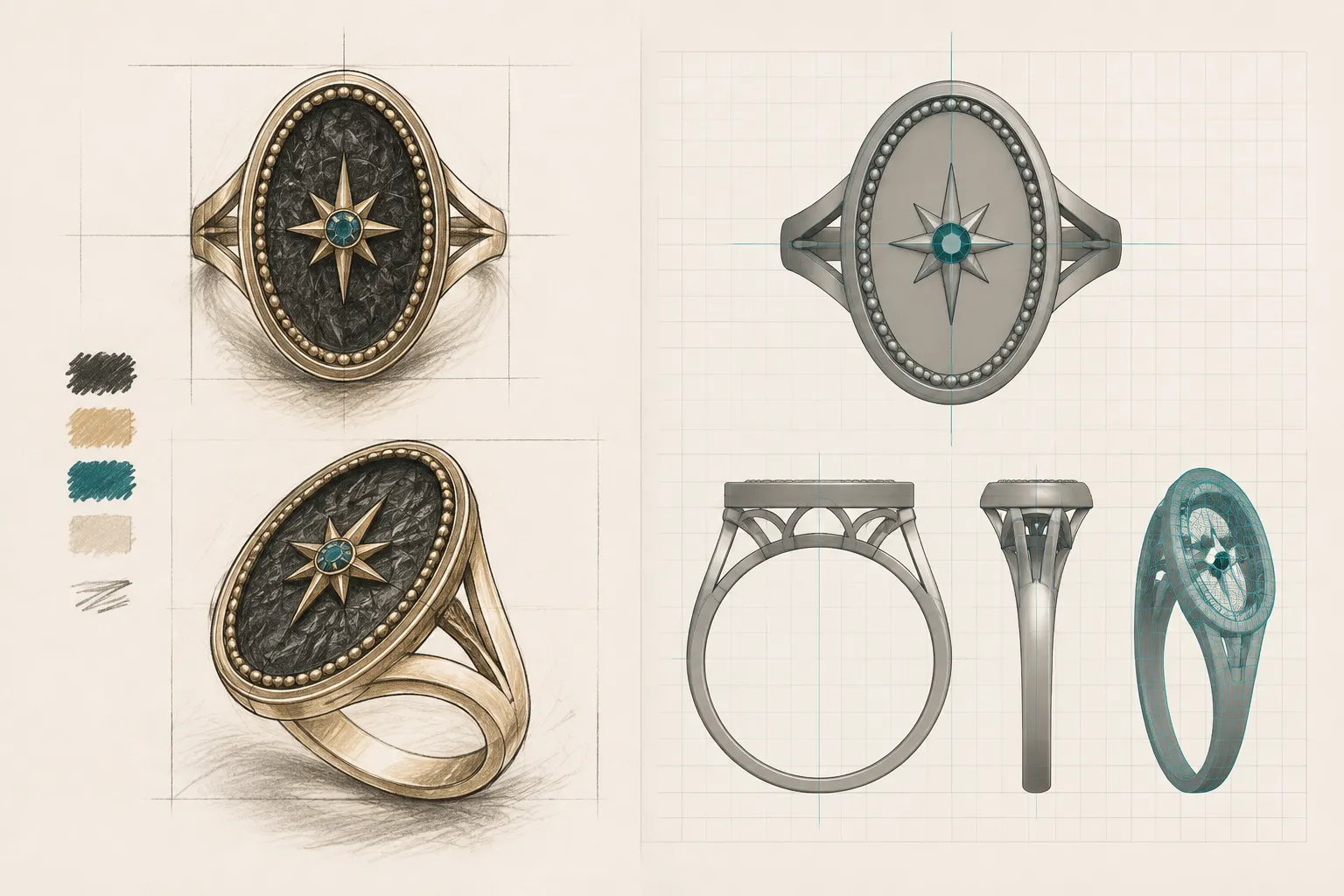
| Criterion | What the concept preview can support | What requires another record or confirmation |
|---|---|---|
| Silhouette | Comparison of visible outlines | Exact dimensions and tolerances |
| Apparent scale | Relative visual impression with stated scale cues | Measured size and fit |
| Stone-shape direction | The depicted oval, round, pear, or other outline | Stone identity, dimensions, sourcing, and availability |
| Setting appearance | Visible prong, bezel, halo, or gallery direction | Construction details, durability, and feasibility |
| Metal color direction | White, yellow, or rose-toned appearance | Composition, finish, hallmarking, and quotation |
| Surface detail | Presence and visual density of texture or ornament | Production method and achievable finish |
| Reference-image rights | The source record can identify stated terms | Permission supported by the applicable license or rights-holder record |
A polished preview can make assumptions look settled. The revision record should expose them.
Keep Assumptions Beside the Change
An assumption is expected in an early concept. The problem begins when it is left unlabelled or separated from the decision it affects.
- Illustrated stone dimensions or apparent band width
- Metal type inferred only from color
- Stone identity inferred from appearance
- Side-stone count hidden by the viewing angle
- Gallery height inferred from a front view
- Finish interpreted from lighting
- Clasp construction absent from the preview
- Price or availability carried over from an earlier discussion
- Image-use permission inferred from attribution or source visibility
Requested: Reduce the visible shank width in the next front and three-quarter views. The current width has not been measured and should be treated as a visual proportion. The CAD owner should propose dimensions for review after the direction is accepted.
The visual request can proceed while its specification remains open.
Resolve Conflicting Views Before Acceptance
A front view and side view may not communicate the same design. One could show a continuous halo while another suggests gaps. A pendant front may appear slim while its reverse view implies greater depth.
- Name the conflicting versions or views.
- Describe only what each view shows.
- Identify the decision affected by the conflict.
- Mark the change Pending if no supplied record resolves it.
- Assign clarification to the owner of the next artifact.
Pending: The front view suggests a continuous bezel, while the three-quarter view appears to show open sections. Confirm which setting silhouette should control the next concept version. Construction details remain outside this visual decision.
Do not silently choose the more plausible view. That converts interpretation into an undocumented design change.
Record Reference-Image Rights as a Separate Decision
A reference image can communicate shape, finish, proportion, or mood without establishing permission to reuse the image. Attribution alone does not establish that permission.
A rights-sensitive entry should point to the applicable license, source terms, permission record, or rights-holder communication. When no matching record is available, keep the rights status unresolved and limit the design note to the feature under discussion.

Requested: Use the reference only to discuss the tapered pendant outline. Rights status: Pending. The rights-record owner should confirm whether the image may appear in a client-facing or published artifact.
Visual acceptance and image-use permission need separate statuses. The shape direction could be Accepted while reuse remains Pending.
Worked Jewelry Revision Status Example
Suppose a ring comparison board includes three views. Preview A shows a round center-stone silhouette with a full halo. Preview B shows an oval silhouette without a halo and with a tapered shank. Preview C keeps the oval direction, adds a narrow border, and appears lower in profile.
JR-01: Center-Stone Silhouette
Status: Accepted for concept direction
Record: Carry forward the oval silhouette shown in Previews B and C. Stone identity, dimensions, availability, and price remain unresolved.
Owner: Sourcing role for recorded stone information; CAD role for later modeled dimensions.
JR-02: Halo Treatment
Status: Rejected
Record: Do not carry forward the full halo shown in Preview A because it changes the selected outer silhouette.
Owner: Brief editor to remove the option from the next comparison while retaining the decision history.
JR-03: Narrow Border
Status: Requested
Record: Prepare one comparison with the narrow border from Preview C and one without it. Keep the center-stone silhouette and viewing angle consistent.
Owner: Concept-view creator.
JR-04: Profile Height
Status: Pending
Record: Preview C appears lower in profile, but no shared scale cue or dimension confirms the difference.
Owner: CAD reviewer to compare modeled profile options after the concept direction is selected.
JR-05: Metal Direction
Status: Requested
Record: Show the selected form in a yellow-metal color direction. Metal specification, finish, availability, and quotation remain open.
Owner: Brief owner for visual selection; supplier and quotation roles for later records.
Each entry carries one decision. Together, they preserve the relationship between the comparison board, unresolved information, and the next handoff.
Where Revision Notes Stop
A revision note can record what a preview shows, which change was proposed, which option was selected or declined, which version the decision affects, and who owns the next question.
It cannot by itself establish gemstone or metal identity, provenance, exact dimensions, fit, current price, availability, durability, hallmarking, image-use permission, manufacturing feasibility, or final workshop instructions. Those matters require a matching supplier, rights, CAD, quotation, standards, or workshop record.
Available research is useful but indirect. Jewelry-specific work supports caution when design knowledge is translated into recorded representations. Broader design-management research explains the value of versions, alternatives, responsibilities, and review history. It does not make these four status labels a universal jewelry practice or settle material and production questions.
Final Handoff Check
- Which brief, board, or preview version was reviewed?
- Which visible feature is changing?
- Is the change Requested, Accepted, Rejected, or Pending?
- What stage does that status cover?
- What supplied artifact or record supports the entry?
- Which dimensions, materials, rights, prices, or production details remain assumptions?
- Do any views conflict?
- Does a rights-dependent reference have a matching rights record?
- Who owns the next confirmation?
- What exact check allows the entry to advance?
The handoff is ready when every visible choice has a status, every consequential assumption remains labelled, and each unresolved question has a responsible next owner.
Sources
- The challenge of the codification of tacit knowledge in designing and making: a case study of CAD systems in the Hong Kong jewellery industry
- Modeling industrial engineering change processes using the design structure matrix for sequence analysis: a comparison of multiple projects
- Product design lifecycle information model (PDLIM)
- A Data Management Model for Design Change Control
- VisionManager: A Computer Environment for Design Evolution Capture