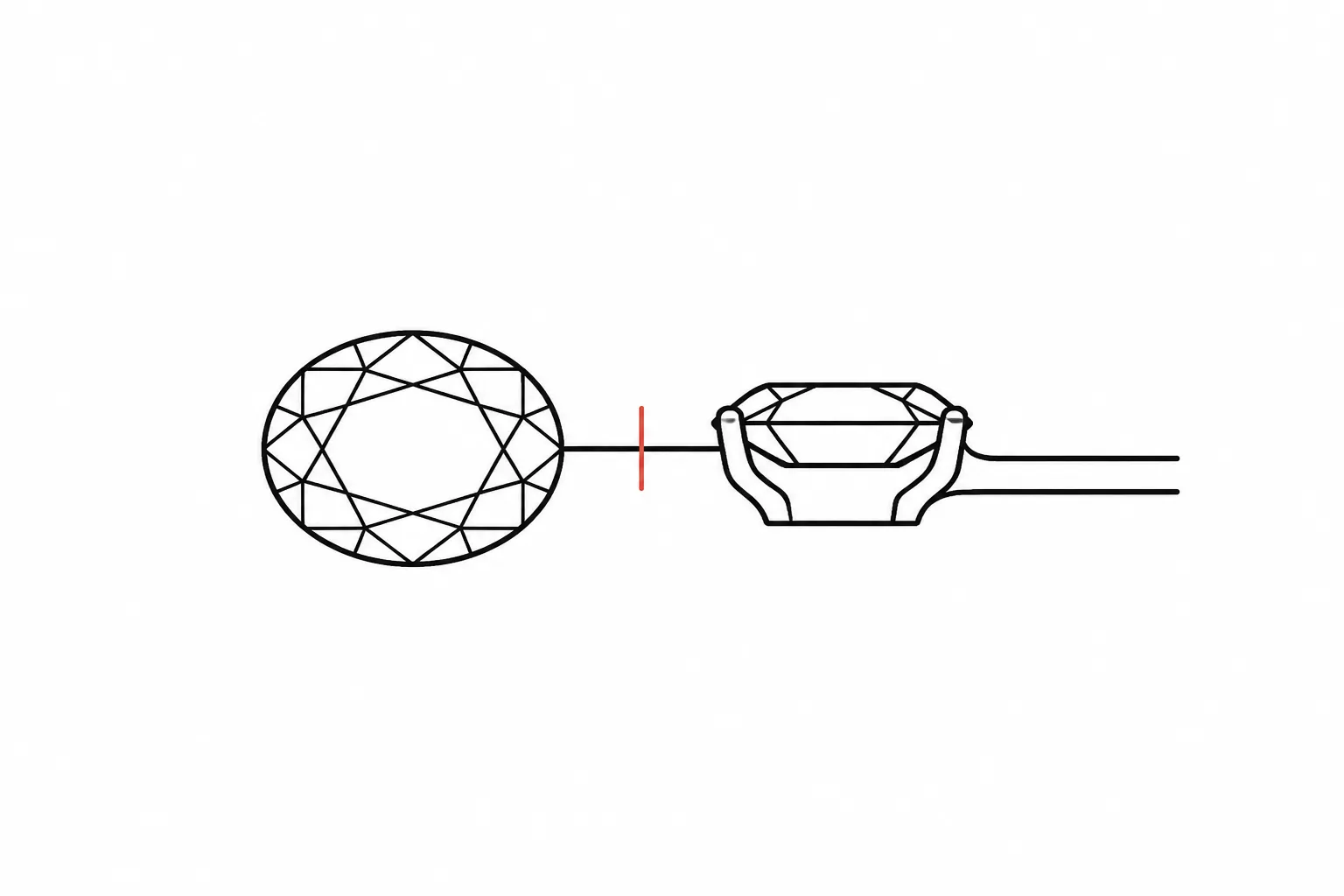
Record a Jewelry Brief Change as Requested, Accepted, Rejected, or Pending
Record one brief change as a single revision entry with five decisions visible:
- What changed in the brief or preview
- Where the change appears
- Which status applies now
- What visible or scope consequence may follow
- Who owns the next confirmation
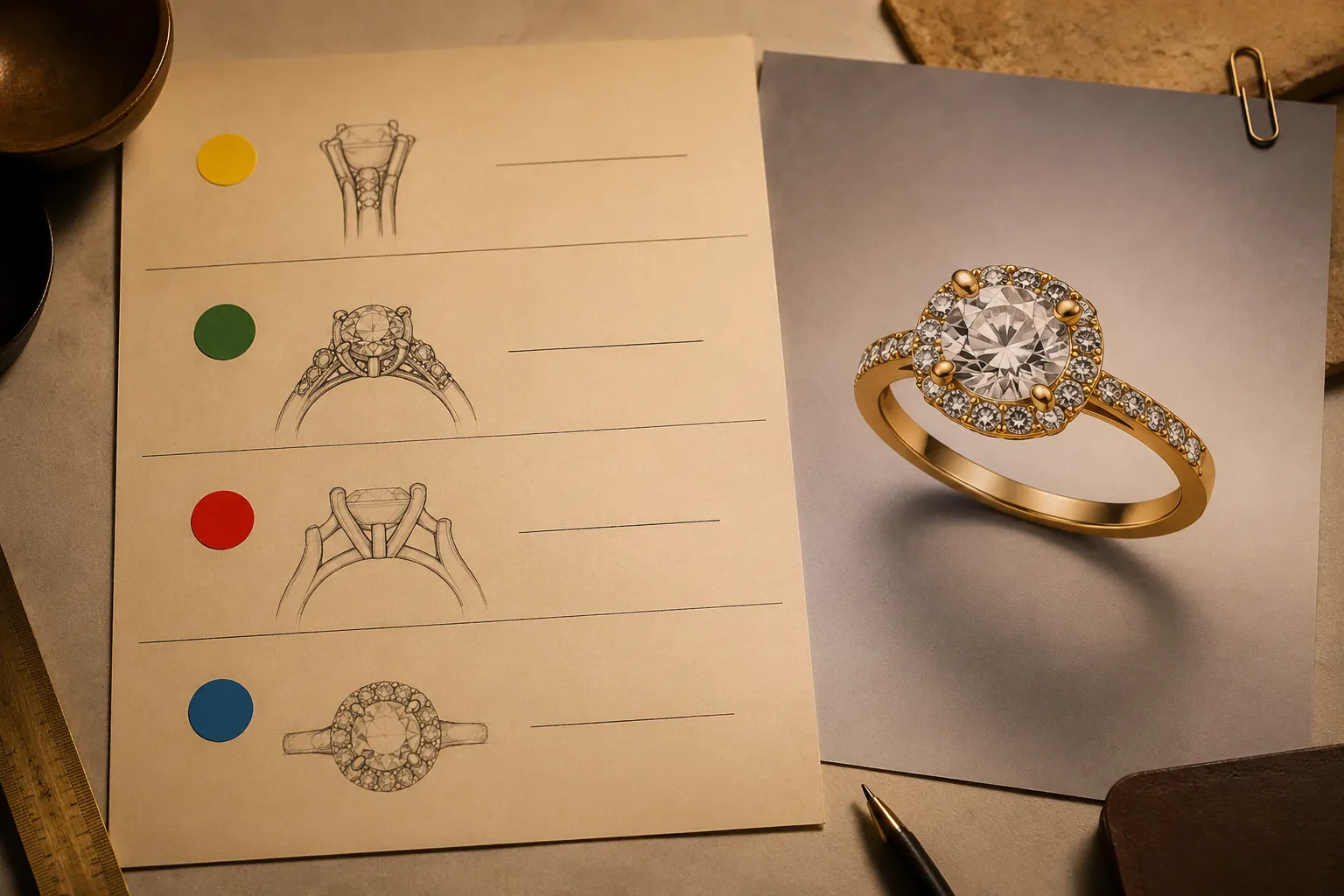
A useful jewelry design revision log separates concept direction from supplier information, CAD development, quotation, and workshop confirmation. It records what has been decided without asking a preview to prove facts it cannot establish.
Use the Four Statuses Precisely
Choose one status for the current revision. Do not use “accepted” when the reader has only agreed to explore an idea.
Requested
Use requested when someone has asked for a change but the responsible reviewer has not yet accepted it for further development.
Record the requested feature, the person who requested it, the affected view or brief line, the visible consequence to review, and the person who must assess it next.
Status: Requested
Change: Replace the round center-stone shape with an elongated oval shape.
Visible consequence: The halo appears narrower, and the shoulder line may read longer in the front view.
Next owner: Designer to update the concept preview and compare the revised silhouette.
A requested jewelry design revision is an instruction to review. It is not evidence that the change is feasible, available, priced, or suitable for production.
Accepted for Development
Use accepted for development when the responsible reader agrees that the change should move into a named design activity.
That activity might be a revised concept view, a CAD discussion, a supplier check, or a quotation review. Name the activity so “accepted” does not remain open to interpretation.
Status: Accepted for development
Change: Reduce the visible halo width around the center stone.
Scope effect: Update the front view and side profile before the next consultation.
Next owner: CAD designer to assess the revised setting proportions.
This status records a direction. It does not confirm exact dimensions, stone identity, metal, fit, durability, hallmarking, availability, price, or manufacturability.
Rejected
Use rejected when the responsible reviewer has decided that the proposed change will not continue in the current brief.
State the practical reason. “Rejected” means the change is not being carried forward for this concept or stage. It does not mean the idea is universally wrong.
Status: Rejected
Change: Add a second gallery rail below the existing gallery.
Reason recorded: The current concept direction does not include the added visual structure.
Next owner: Designer to retain the existing gallery and confirm that no related side-view change remains open.
If the reason depends on construction, wear, fit, or workshop feasibility, record it as an unresolved question or supplied professional assessment unless the appropriate owner has already confirmed it.
Pending Confirmation
Use pending confirmation when a required fact or review is unresolved, so the change cannot yet be recorded as accepted or rejected.
Name the missing confirmation. A pending entry should tell the next owner exactly what must be checked.
Status: Pending confirmation
Change: Use a deeper bezel profile around the center stone.
Unresolved point: The preview shows the intended profile, but the available material does not establish final dimensions or construction feasibility.
Next owner: CAD designer or workshop to review whether the proposed profile can be developed within the brief.
Pending is a working status. It prevents an unresolved question from being mistaken for a settled decision.
Build the Revision Entry
Use a compact record that keeps the change, status, consequence, and ownership together:
Revision ID: JB-04
Date recorded: [date]
Status: Requested, accepted for development, rejected, or pending confirmation
Changed item: [feature or brief requirement]
Location: [front view, side view, detail view, written brief, or source image]
Previous direction: [earlier feature or requirement]
New direction: [requested or recorded replacement]
Visible consequence: [what appears different]
Scope consequence: [views, drawings, sourcing checks, or quotation inputs that may need review]
Source record: [provided image, creator, date, license note, or rights-holder communication]
Unresolved question: [fact still requiring confirmation]
Decision owner: [person responsible for the current status]
Next confirmation owner: [person responsible for the next handoff]
Field names can vary. Keep the distinction between what changed, how it is currently classified, what may follow, and who acts next.
Separate the Preview From the Open Questions
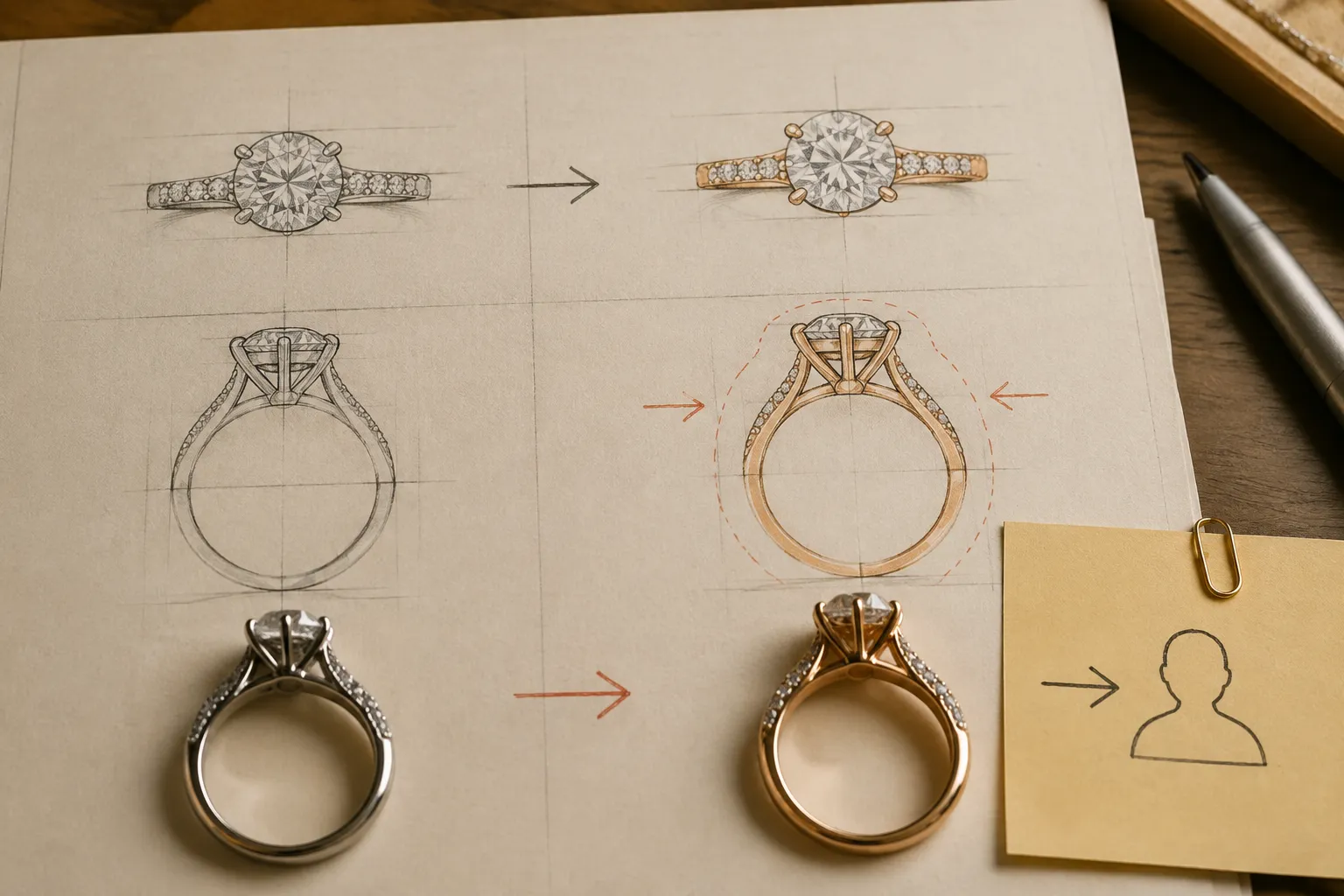
Start with what the visual evidence shows. The preview may show a changed stone shape, setting outline, shank profile, gallery, clasp, or finish direction. It may suggest that the silhouette is narrower, heavier, taller, or more open.
Then identify what remains unresolved. A concept image does not establish exact scale, gemstone identity, selected metal, final fit, durability, hallmarking, value, availability, price, or manufacturability. Route each question to the appropriate owner instead of placing it under the visual approval status.
The preview shows a slimmer shank and a lower-looking side profile. This suggests a lighter visual direction. Exact dimensions, construction, fit, and material selection require CAD, supplier, jeweler, quotation, or workshop confirmation.
Use “shows” for a visible feature and “suggests” for an interpretation. The brief records the direction; later review establishes whether the direction can proceed.
Record the Visible Consequence
Every revision note should answer: What will the reader see differently if this change moves forward?
For a stone-shape change, the consequence could involve the outline, halo relationship, or shoulder proportions. For a setting change, it could involve the side profile, gallery visibility, or apparent height. For a clasp change, it could involve the closure detail, pendant balance, or back view. A finish change may alter how surfaces are represented in the preview, but the image still does not prove the final surface treatment.
| Revision | Previous direction | New direction | Visible consequence |
|---|---|---|---|
| Center stone | Round shape | Oval shape | Longer front silhouette and revised halo proportion |
| Shank | Straight-sided profile | Slight taper | Narrower appearance toward the setting |
| Finish | Uniform surface direction | Contrasting surface areas | More visible separation between structural features |
These are editorial examples. Label any dimensions, stones, metals, prices, or availability in a live brief as supplied information or assumptions.
Name the Decision Owner and Next Handoff
A status without an owner is only a label.
The decision owner is responsible for the current state. The next confirmation owner must resolve the next open question. They may be the same person, but the entry should make that clear.
- Designer: Revise the concept view or written brief.
- Client: Confirm the preferred visual direction.
- CAD designer: Assess digital development and dimensions.
- Supplier: Provide material, stone, or availability information.
- Jeweler: Review the design brief and construction questions.
- Workshop: Confirm production-related questions within its scope.
- Quotation owner: Assess the effect on quoted scope or price.
Do not write “team to review” when one person can be named. If ownership is genuinely undecided, use pending confirmation and assign the person responsible for assigning the reviewer.
Change-management research describes a distinction between a change request, later assessment, responsibility assignment, and decision. For a jewelry brief, that principle is useful in a smaller form: record the request, show its consequence, and name who must assess it next.
Keep Source Records Separate From Permission
When a revision uses a reference image, record the available source information alongside the change:
- Source location supplied with the brief
- Creator or rights holder, if known
- Date collected or supplied
- License note, if provided
- Permission message or other rights communication, if available
- Intended use within the consultation or design process
A source record supports traceability. It does not by itself establish permission to reuse an image. Attribution and permission are separate questions, and the applicable license or rights-holder communication controls the conclusion.
Rights status: Source recorded; reuse permission remains unresolved.
Do not record the rights status as settled merely because the creator was credited.
Worked Example: A Pending Ring Revision
Suppose the current concept shows a central stone with a halo, a tapered shank, and a visible gallery in the side view. The client asks for a wider shank and a lower-looking gallery.
Revision ID: JB-07
Status: Pending confirmation
Changed item: Increase the apparent shank width and lower the gallery direction.
Location: Front and side concept views.
Previous direction: Slim tapered shank with a prominent gallery.
New direction: Wider shank with a less prominent side profile.
Visible consequence: The front view may read as more substantial, while the side view may appear lower and less open.
Scope consequence: Both views require comparison. The setting, proportions, and any later CAD work may need review.
Unresolved question: The preview does not establish exact dimensions or construction feasibility.
Decision owner: Designer to update the comparison view.
Next confirmation owner: CAD designer or workshop to review the revised profile after the visual direction is selected.
This entry records the requested direction while keeping the technical question open.
Final Check Before Saving
Before closing the revision, confirm that the note answers all six questions:
- What exactly changed?
- Where can the change be seen or found in the brief?
- Which status applies now?
- What visible or scope consequence should the next reviewer inspect?
- What source or rights record supports the supplied reference?
- Who owns the next confirmation?
Use this wording when the change is ready to hand off:
Please record this as [requested / accepted for development / rejected / pending confirmation]. The change affects [feature and view]. The preview shows [visible consequence], while [unresolved fact] still requires confirmation. [Named owner] owns the next review, which is [specific confirmation or revision action].
The handoff is ready when each visible choice has a status and each unresolved consequence has an owner.

Sources
- AIGA Standard Form of Agreement for Design Services
- U.S. Copyright Office: Copyright Registration Guidance for Works of the Visual Arts
- GIA Jewelry Design
- Modeling industrial engineering change processes using the design structure matrix for sequence analysis: a comparison of multiple projects
- PRODUCT DESIGN PROCESS IMPROVEMENT FOR A JEWELLERY MANUFACTURER
- Requirement-driven engineering change management in product design