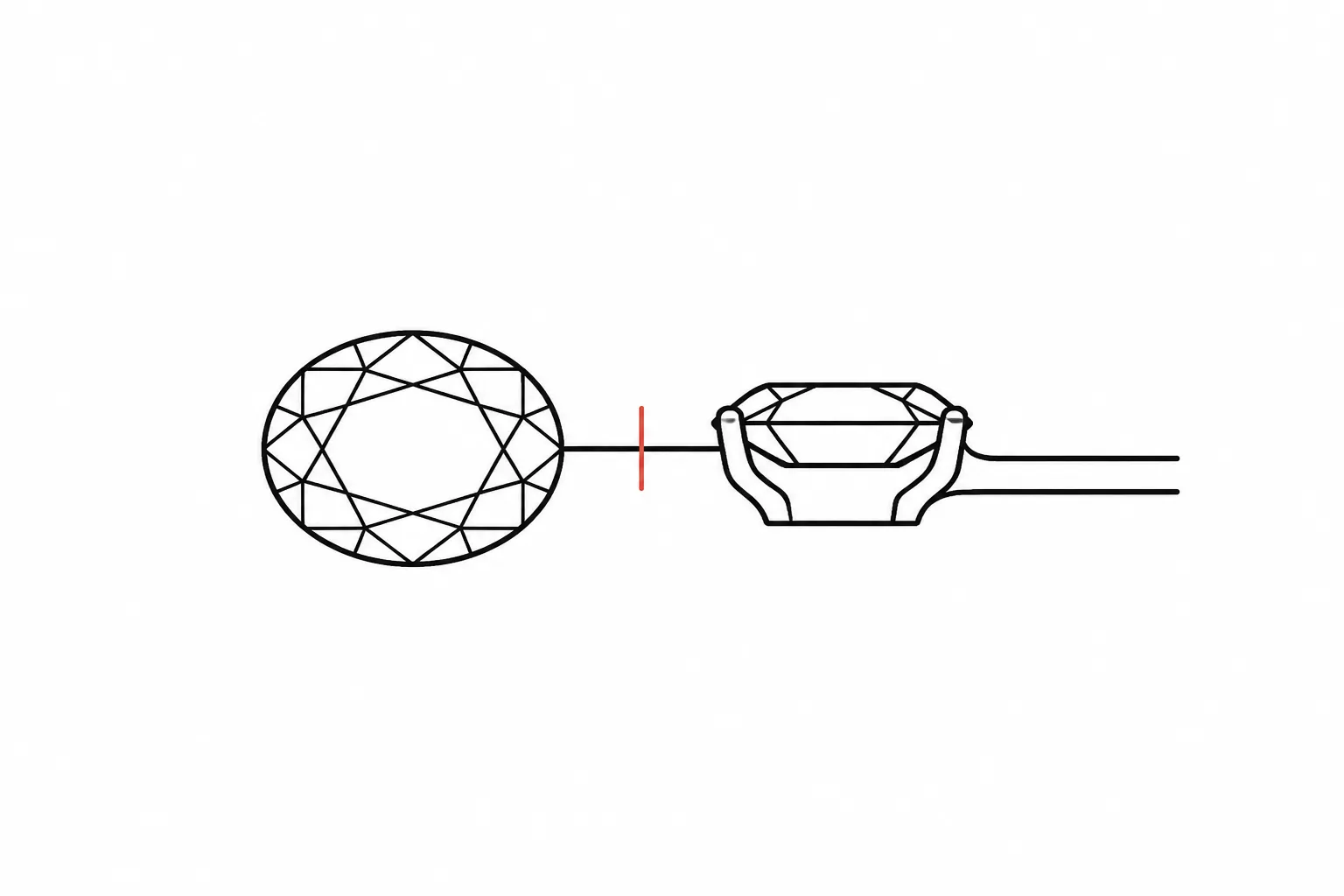
Jewelry Concept Brief Structure
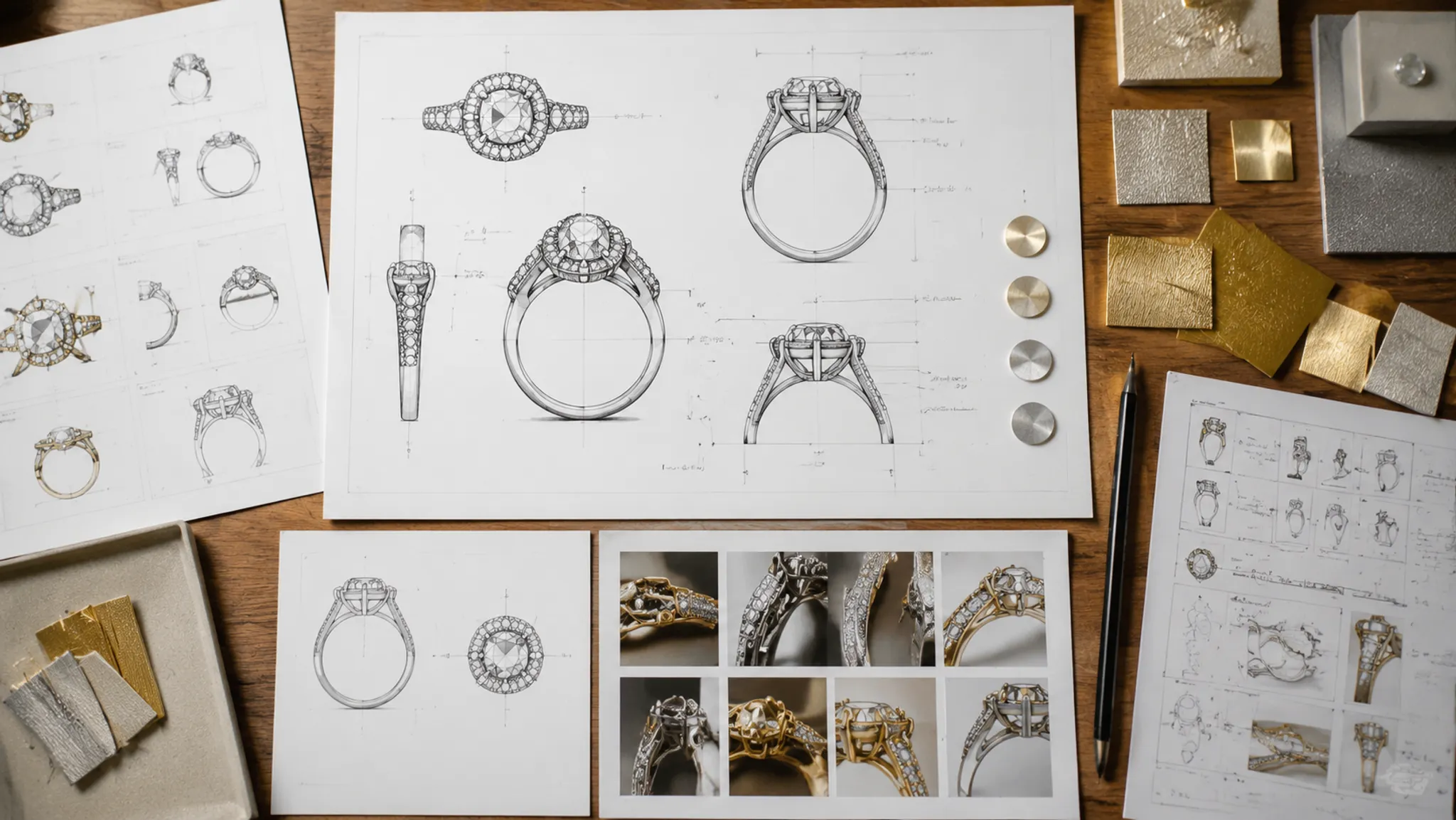
A jewelry concept can look settled while leaving the next reviewer without a usable decision. One image may suggest a ring silhouette, stone shape, or metal direction, but it does not establish exact dimensions, material identity, price, availability, fit, durability, image-reuse permission, or manufacturing feasibility.
A useful jewelry brief template turns that visual direction into a reviewable handoff. It records what the preview shows, what the client or designer intends, what remains assumed, and who must confirm each unresolved point.
More specific pages
These pages continue the topic in smaller, more specific directions.
What the Brief Needs to Resolve
A concept brief is a shared record for comparing directions before sourcing, CAD development, quotation, or workshop review. It is not a final CAD document or a production specification.
The strongest briefs answer four practical questions:
- What visible design direction is being considered?
- Which details come from supplied records or reference images?
- Which details remain hypothetical or unresolved?
- Who owns the next confirmation?
These categories matter because a preview can show a narrow shank and raised center silhouette without establishing the stone's identity, actual height, setting dimensions, or feasibility. Record the visible feature, then assign the unanswered question to the role that can address it.
Status Labels That Prevent Confusion
- Shown in preview: Directly visible in the current concept view.
- Requested direction: A preference supplied by the client, designer, or brand.
- Recorded source detail: Information stated in a reference record, supplier document, or permission record.
- Working assumption: A provisional choice used to develop or compare the concept.
- Needs confirmation: A question for a supplier, jeweler, CAD specialist, rights holder, or workshop.
Use the label beside the relevant field. A general note at the end of the document is easier to overlook.
Jewelry Brief Template: Core Fields
The format can vary between a custom ring, pendant, pair of earrings, or coordinated collection. The decision logic remains similar: every field should help the next reviewer compare something or locate the next confirmation.
1. Project and Review Context
Start with the piece being discussed and the purpose of the current review.
- Piece type: ring, pendant, earrings, or coordinated collection
- Working project name or reference number
- Current review stage
- Expected deliverable for this round
- People contributing to the brief
- Date or revision identifier
- Decisions already made
- Decisions still open
A concept review asks different questions from a CAD review or quotation review. A visual direction may be sufficient for early comparison while remaining insufficient for production planning.
2. Jewelry Concept Direction Fields
Describe the intended visual direction with choices that can be compared against the preview. Broad approval language such as “make it elegant” needs a visible interpretation before it can guide revision.
- Overall silhouette
- Desired visual weight
- Dominant line or contour
- Symmetry or deliberate asymmetry
- Open or enclosed construction
- Relationship between center and supporting elements
- Preferred level of detail
- Features that must remain unchanged
- Features that may be revised
“A low, compact ring with a clean oval center and minimal side detail” gives a reviewer a workable comparison standard. “A refined statement ring” does not identify what should change when the preview misses the intended direction.
3. Ring Silhouette and Profile
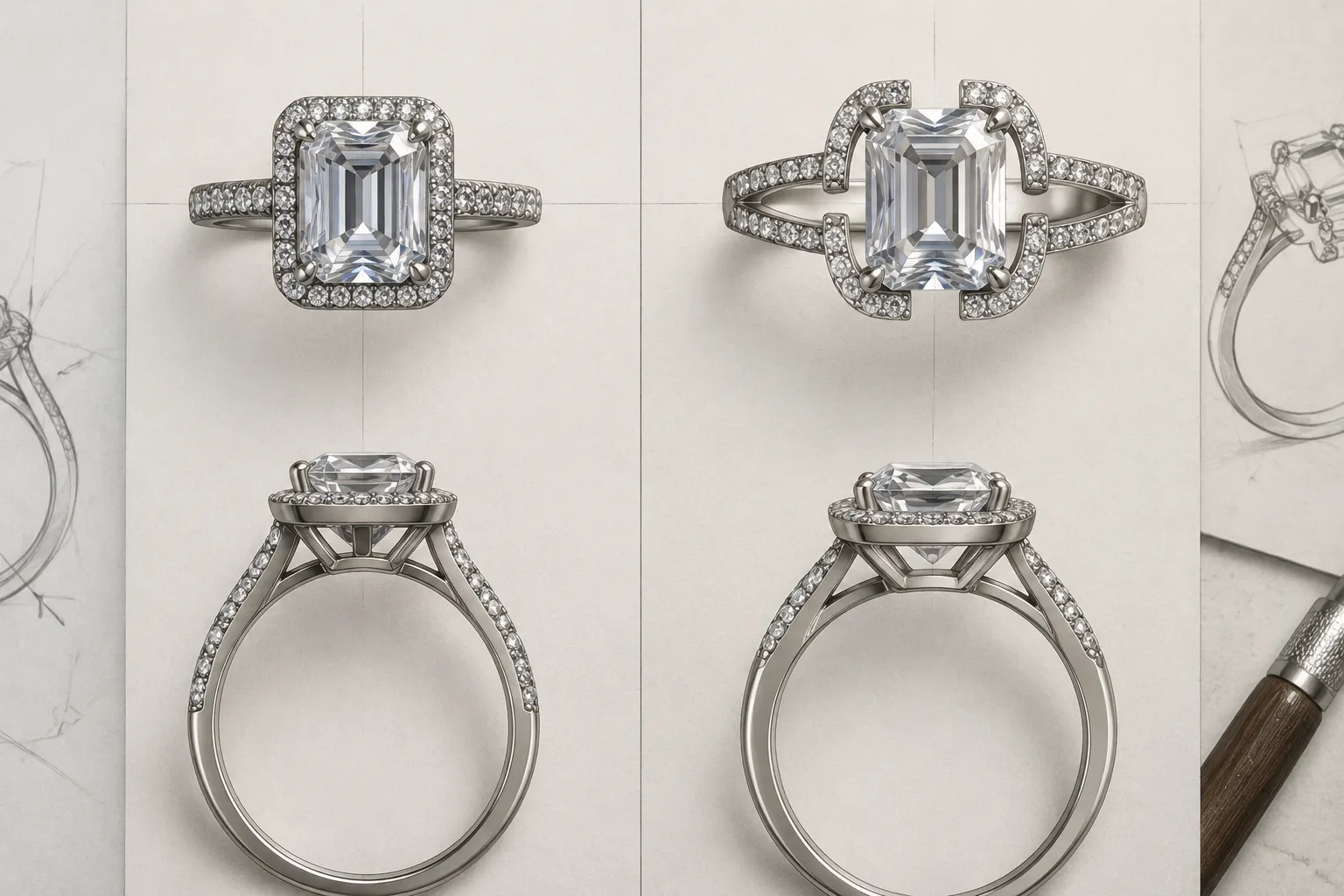
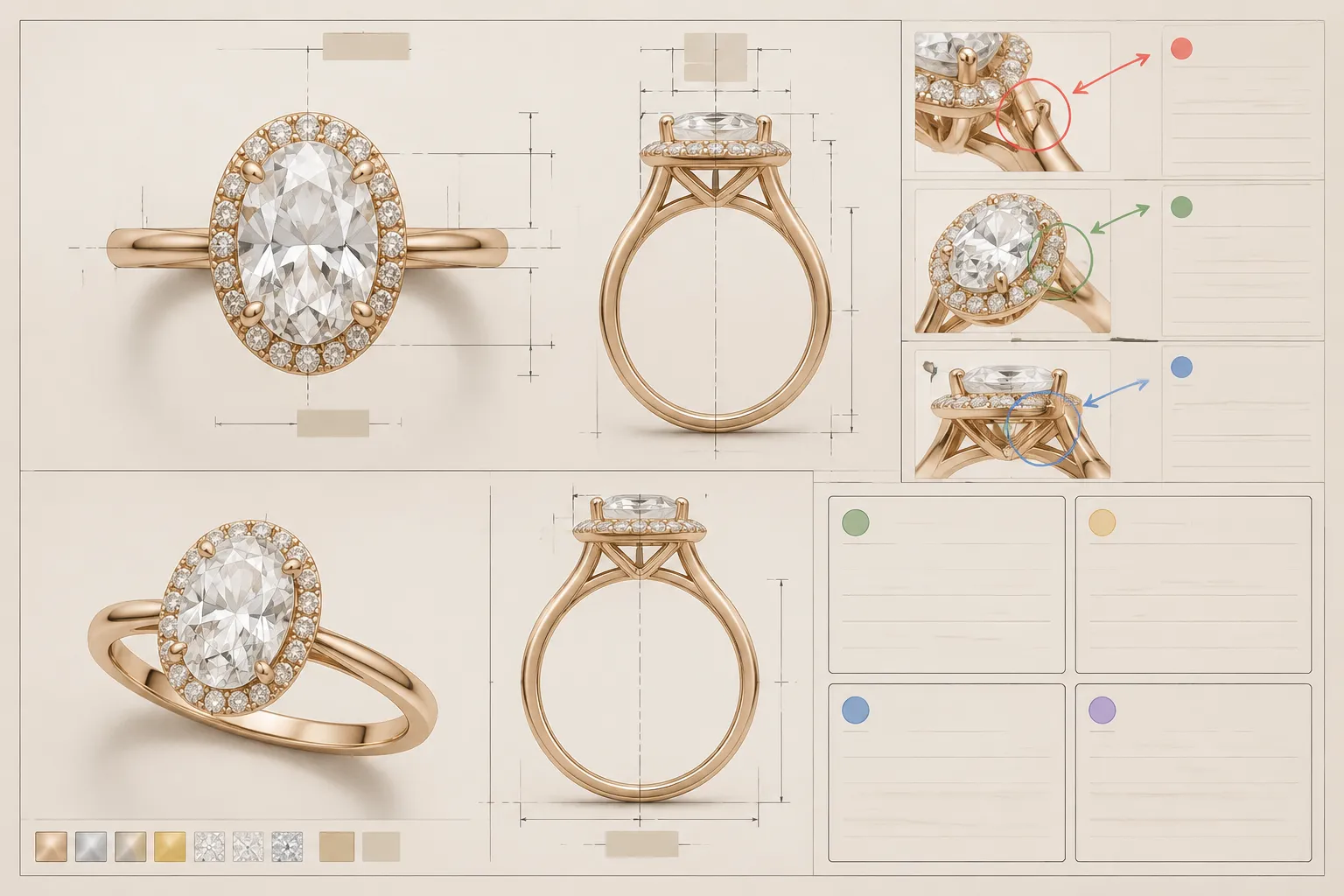
For a ring, keep the top view and side view separate. They answer different questions and should not share one undifferentiated approval status.
The top view can record the center-stone outline, halo or surrounding frame, shoulder width, side-stone arrangement, symmetry, outer contour, and visible spacing between elements.
The side view can record the shank profile, apparent height, gallery shape, center-stone elevation, shoulder transition, open or enclosed underside, clearance suggested by the image, and areas hidden from view.
A rounded profile could suggest a softer direction, while a straight-sided profile could create a more structured appearance. Neither view establishes the actual cross-section, wall thickness, finger clearance, or comfort.
4. Stone Shape and Setting Assumptions
Separate the stone's visible outline from its factual identity. The preview can describe a shape or color direction; a source record or qualified review must address the supplied material.
- Stone shape shown or requested
- Approximate visual proportion
- Number of stones
- Center and accent-stone relationship
- Setting direction
- Prong, bezel, or channel appearance
- Halo spacing
- Surface contrast
- Stone color direction
- Whether the stone is an example, placeholder, or supplied item
A round outline in a render does not establish a particular cut, stone type, quality, origin, or size. A deep red appearance remains a visual cue unless a suitable record identifies the material.
For a setting direction, record the visible approach and the questions it creates:
- Is the visible edge intended to read as metal or stone?
- Could a placeholder edge be mistaken for a bezel?
- Is the setting language consistent across front, side, and rotation views?
- Which view needs revision if the setting direction changes?
- What must be known about the stone before the setting is developed?
Research on digital jewelry modeling shows why stone size, spacing, prong dimensions, and other parameters may matter during later development. Treat those factors as prompts for confirmation, not as values established by the concept image.
A Practical Brief Structure
| Section | What to record | What it does not establish |
|---|---|---|
| Concept direction | Intended visual character and non-negotiable features | Final design approval |
| Silhouette and profile | Visible outline, elevation, shank, gallery, and spacing cues | Exact dimensions or fit |
| Stone assumptions | Shape, color direction, count, and placeholder status | Identity, origin, quality, or availability |
| Setting direction | Prong, bezel, halo, channel, or another visible approach | Engineering or workshop feasibility |
| Metal direction | Color, finish, and visual contrast | Composition, weight, price, or durability |
| Reference records | Image title, source, date, permitted use, and attribution requirement | Reuse permission without supporting records |
| Measurement needs | Known measurements and missing dimensions | A measurement inferred from a render |
| Revision notes | Requested changes and affected views | Resolution of unreviewed technical issues |
| Approval status | Approved, provisional, open, or superseded scope | Approval of production |
| Confirmation owner | Role responsible for the next answer | Completion of that answer |
The value of this structure is the pairing of each decision with its limit. A field should not carry more authority than the record behind it.
Compare Concept Directions by Decision Criteria
When two concepts appear plausible, compare them with the same criteria. A more finished-looking image is not necessarily the clearer handoff.
Compact Versus Open
A compact concept may show a denser center, shorter transitions, and less open space. An open concept may separate the center, halo, shoulders, or pendant elements more visibly.
- Which silhouette better matches the stated direction?
- Which features remain visible from the intended view?
- Which areas are hidden and therefore unresolved?
- Does the preferred option require new measurements?
- Which option leaves fewer unanswered questions for the next review?
A dense setting may call for closer discussion of spacing and prong placement. An open layout may require clearer decisions about support, connection points, or negative space. The visible difference is only the first part of the comparison.
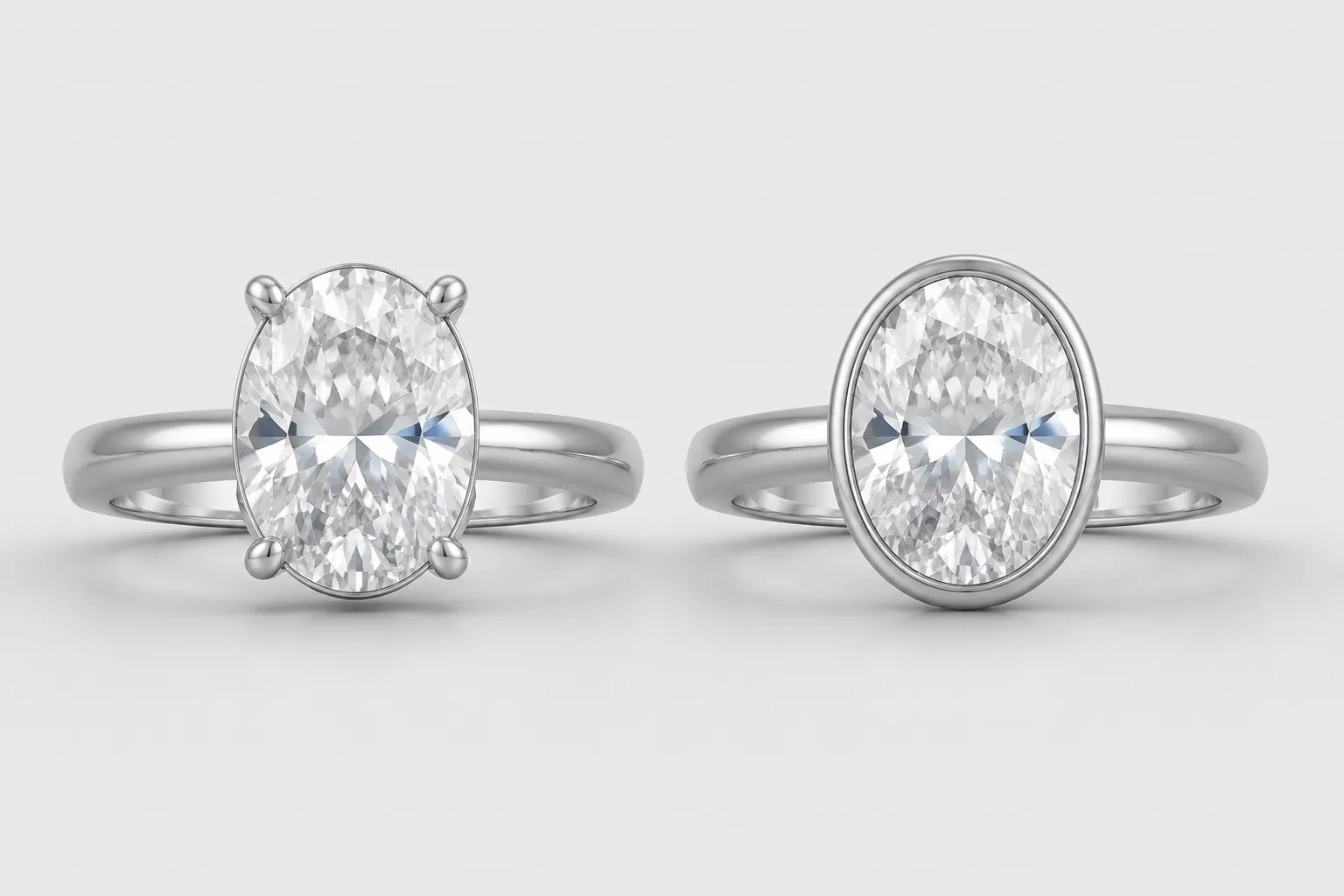
Prong-Led Versus Bezel-Led
A prong-led preview exposes more of the stone outline. A bezel-led preview creates a stronger surrounding frame.
- Is the visible edge intended to be metal or stone?
- Does the setting language remain consistent across all available views?
- Which view should be revised if the setting direction changes?
- Who will review the setting details after the stone choice is recorded?
The preview can show a setting appearance. It cannot establish final setting geometry.
High Center Versus Low Center
A higher center could create a more prominent profile, while a lower center could produce a quieter side view.
- How elevated does the center appear?
- How visible is the gallery?
- How does the center relate to the shank?
- Which clearances are shown or hidden?
- Is the height a visual cue or a recorded measurement?
Use “appears higher” or “appears lower” unless the brief contains a supported measurement. The next technical review belongs to the appropriate CAD or workshop role.
Consistent Metal Direction Versus Contrast
A concept may suggest one metal color throughout or contrast around the stone, edge, or setting.
- Main metal color direction
- Accent or contrast direction
- Surface finish shown
- Whether the color is illustrative or tied to a material record
- Areas where lighting may create apparent contrast
A gold-toned preview does not establish alloy, fineness, weight, price, or final finish. Keep the color choice under concept direction until the material record is supplied and reviewed.
Reference Image Records and Rights Status
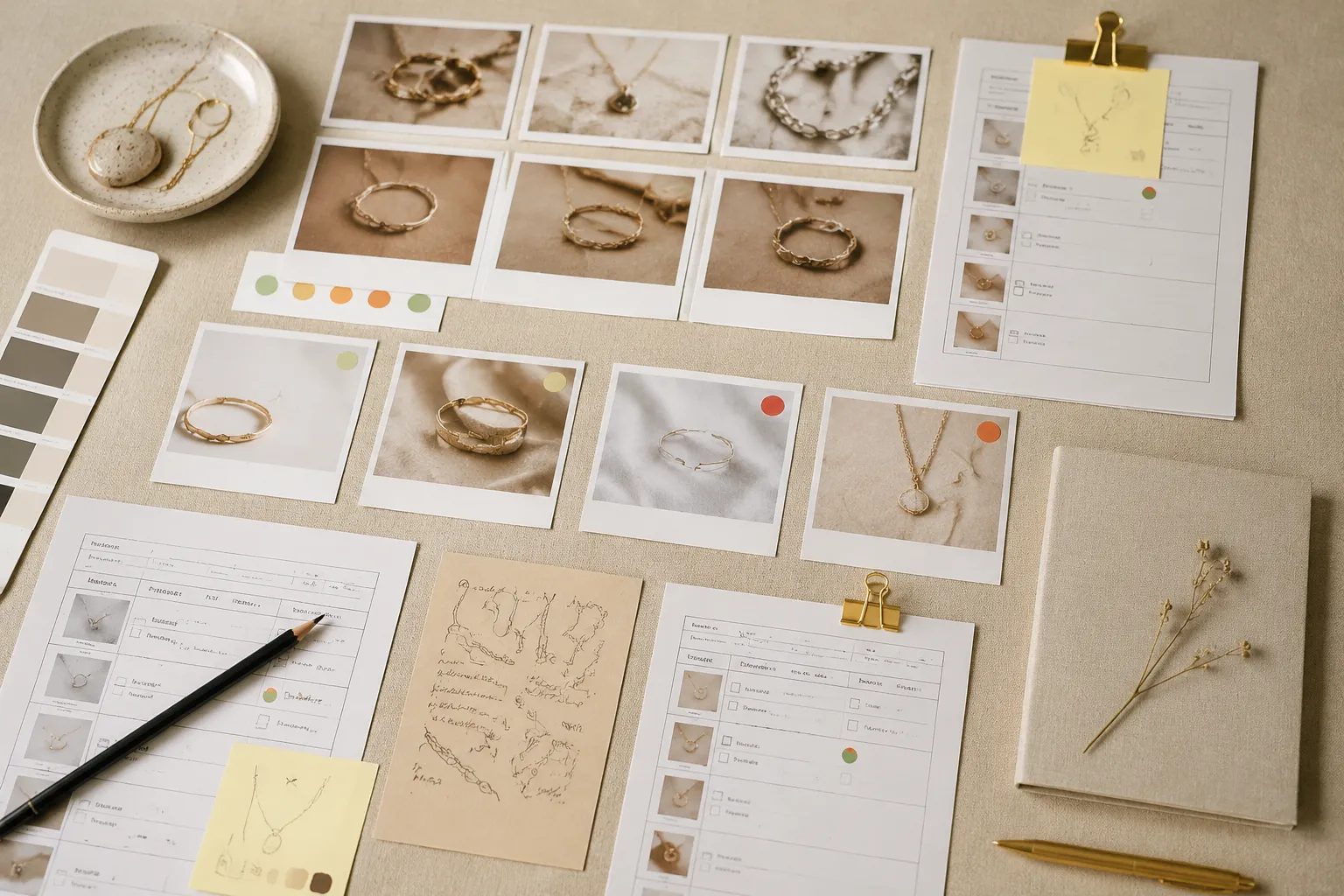
Reference images can carry important proportion, finish, silhouette, or setting information, but their source details can disappear during revisions. Add a record for every image that materially influences the brief.
- Image identifier and original source
- Rights-holder or supplier name, when recorded
- Date collected
- What the image is being used to show
- Whether it is a shape, setting, finish, or layout reference
- Attribution requirements
- Permission or license record
- Approved internal use
- Restrictions on editing, publishing, or redistribution
- Current rights status
- Person responsible for the next rights check
Attribution and permission are separate records. A source entry can identify where an image came from while leaving its reuse conditions unresolved.
Useful status labels include:
- Source recorded
- Permission recorded
- Attribution required
- Use limited
- Rights question open
- Do not reuse until confirmed
Also record the image's limited purpose. A reference used to communicate halo proportion should not quietly become an instruction to reproduce the complete design or publish the image.
Measurements Needed Before CAD or Quotation
A concept preview can identify which measurements matter. It should not be used to invent them.
For a ring, possible fields include ring size or finger measurement, band width and thickness, center-stone dimensions, side-stone dimensions, stone spacing, setting height, gallery clearance, shoulder transition, engraving area, interior profile, and adjustment questions.
For a pendant, record pendant height and width, bail opening, chain connection, stone placement, back structure, edge thickness, and orientation when worn.
For earrings, record overall drop, front-facing dimensions, post or hook direction, clasp type, pair symmetry, weight assumptions, and connection points.
Mark every item as known, estimated, requested, or missing. A value copied from a concept image belongs under estimated unless a reliable measurement record supports it.
Assign an owner before the review. A client, supplier, jeweler, CAD professional, measurement provider, or workshop may own different questions. Leaving every open field as shared responsibility makes the next handoff harder to act on.
Supplier and Workshop Questions
Supplier Questions for Jewelry Design
Connect each supplier question to a recorded design assumption. Keep material information separate from visual preference.
- Which stone shapes and sizes are being considered?
- Which details appear in the supplier documentation?
- Are the color and appearance descriptions tied to a specific item or only a visual direction?
- What measurements are available?
- Which details remain unknown?
- Could the proposed setting need revision after stone selection?
- Are metal options, finishes, or weights documented?
- Which information may change before quotation?
- What date applies to the current availability record?
A supplier response may apply only to a particular item, date, or assumption. Record that scope instead of turning it into a permanent project fact.
Workshop Questions for Ring Design
Workshop review begins when the concept exposes production questions. It should not rely on the assumption that the render has already answered them.
- Can the visible setting direction be developed from the selected measurements?
- Does the ring profile need adjustment?
- Does the gallery and shank relationship need another review?
- Which dimensions must be fixed before CAD development?
- Do stone spacing and prong direction require another comparison?
- Which surfaces affect finishing or polishing?
- Could the selected construction change the quotation?
- Which details remain provisional after review?
- What will the next approval document contain?
Research on jewelry manufacturing and digital modeling helps explain why dimensions, orientation, surface treatment, polishing, and plating may enter later review. These materials provide technical prompts. They do not establish the feasibility of a particular reader's piece.

Revision Notes and Approval Scope
A useful revision note names the changed feature, affected view, reason, next owner, and remaining uncertainty.
Revision 03
- Changed feature: Reduce the visible halo gap around the center.
- Reason: The current preview reads as more open than the selected concept direction.
- Affected views: Top view and three-quarter view.
- Unchanged features: Shank profile and metal color direction.
- Still unresolved: Exact stone dimensions and setting spacing.
- Next owner: CAD reviewer to assess the revised proportions.
- Approval status: Provisional until the side view is updated.
This format prevents a small visual revision from being mistaken for a complete technical decision. It also shows which earlier approvals remain valid and which need review again.
Approval needs a subject. Use labels such as:
- Direction approved: The overall visual route is accepted.
- View approved: A specific angle or image is accepted for comparison.
- Assumption accepted: A provisional detail may remain in the current concept.
- Source recorded: The reference origin is documented.
- Rights unresolved: Permission or use conditions remain open.
- Technical review open: A qualified role must address the detail.
- Superseded: An earlier version no longer controls the handoff.
Ownership identifies where the next answer must come from. It does not mean that the answer has already been obtained.
| Open item | Confirmation owner |
|---|---|
| Image reuse permission | Rights holder or responsible project contact |
| Stone identity or supplied characteristics | Supplier or relevant jeweler |
| Exact measurements | Client, jeweler, or measurement provider |
| Setting dimensions | CAD professional or workshop |
| Material composition and finish | Supplier, jeweler, or workshop |
| Price and availability | Supplier or jeweler |
| Fit-related dimensions | Qualified jewelry professional |
| Hallmarking or jurisdiction-specific requirements | Relevant professional or standards source |
| Manufacturing feasibility | Workshop or manufacturing reviewer |
Worked Handoff Example
Suppose a ring preview shows an oval center, a narrow halo, four visible prong points, and a raised side silhouette.
- Preview shows: Oval center outline, narrow surrounding frame, four visible prong points, and a raised side silhouette.
- Concept direction: A compact ring with the center as the dominant feature.
- Working assumptions: Oval stone size, metal type, setting height, and band dimensions are provisional.
- Reference record: The supplied image is logged as a proportion reference; reuse status remains open until the permission record is attached.
- Comparison question: Should the halo remain close to the center, or should the gap increase for a more open outline?
- Measurement need: Center-stone dimensions, halo spacing, shank width, and side-profile height.
- Workshop question: Can the selected setting direction be developed after the stone measurements are recorded?
- Approval status: Concept direction approved; dimensions and construction unresolved.
- Next owner: CAD professional to review revised proportions after the measurements are supplied.
The handoff preserves the visual decision without asking the image to answer technical questions it cannot settle.
Common Mix-Ups
A Reference Image Becomes the Design
A reference may communicate proportion, finish, silhouette, or setting language. Record the exact feature it is meant to show. A proportion reference should not become an unplanned instruction to reproduce the whole design.
A Render Becomes a Measurement
Perspective, lighting, cropping, and missing views can make a concept appear more precise than it is. Record visible scale cues, then list the measurements still needed.
Stone Appearance Becomes Material Evidence
Color, transparency, sparkle, and outline are visual properties in the preview. Keep them separate from identity, quality, origin, and availability fields.
Visual Approval Becomes Production Approval
A client may accept the direction while setting, dimensions, fit, price, or construction remains open. Use scoped approval labels so the next reviewer can see exactly what has been accepted.
Attribution Becomes Reuse Permission
Recording a source and crediting it do not answer the reuse question. Keep the rights status visible until the relevant permission record or rights-holder communication is attached.
How to Judge a Jewelry Concept Brief
A strong brief should pass five checks:
- Clarity: Can another reviewer identify the piece, current stage, and main visual direction without translating vague adjectives?
- Separation: Does the brief distinguish preview observations, supplied records, assumptions, editorial interpretation, and professional confirmation?
- Comparability: Can two concepts be compared using the same criteria, such as silhouette, profile, setting direction, scale cue, and unresolved detail?
- Traceability: Can the reviewer see which reference, revision, or decision produced the current concept?
- Ownership: Does every unresolved question have a named next owner?
A brief can look polished and still fail these checks. It is doing its job when the next decision is easier to locate and less likely to inherit an unstated assumption.
Final Handoff Check
- Current concept direction
- Piece type and review stage
- Top, side, or other relevant views
- Ring silhouette and profile notes
- Stone shape and setting assumptions
- Metal color and finish direction
- Reference image records
- Rights status for influential images
- Known and missing measurements
- Supplier questions
- Workshop questions
- Revision history
- Approval scope
- Open technical questions
- Confirmation owner for each unresolved item
- Next expected review artifact
Next handoff: attach the missing records, label the remaining measurements, and assign each open question before treating the concept as ready for CAD, quotation, or workshop review.
Frequently Asked Questions
What is a jewelry brief template?
A jewelry brief template is a structured record for visual direction, source details, assumptions, revisions, approval status, open questions, and next-step ownership. It supports comparison and handoff. It does not replace CAD, quotation, supplier documentation, or workshop review.
What should a custom ring design brief include before visualization?
Include the intended silhouette, profile direction, stone shape, setting direction, metal color, reference images, known measurements, unresolved preferences, and the purpose of the current preview. Label hypothetical dimensions and material choices as assumptions.
Can a concept preview confirm the stone or metal?
No. The preview can show a visual representation of color, shape, finish, or setting direction. Stone identity, metal composition, exact dimensions, price, availability, durability, fit, hallmarking, and feasibility require relevant records or qualified review.
How should reference image rights appear in the brief?
Record the source, image purpose, date, attribution requirement, permission or license record, restrictions, and current rights status. Keep reuse unresolved when the supporting permission information is missing.
Who owns the next confirmation in a jewelry brief handoff?
The owner depends on the question. A rights holder handles image permission. A supplier or jeweler handles supplied material information. A CAD professional or workshop reviews technical development. A measurement provider or qualified jewelry professional handles relevant measurement and fit questions.
When is a jewelry concept brief complete?
It is complete for its current review when the visual direction, comparison criteria, assumptions, revision notes, approval scope, and next owners are clear. Completing the brief does not establish that the piece is ready for production.
Sources
- HOW TO BEST FRAME A DESIGN BRIEF TO MAXIMIZE NOVELTY AND USEFULNESS IN IDEA GENERATION | Proceedings of the Design Society: DESIGN Conference | Cambridge Core
- Development of computer-aided design module for automatic gemstone setting on halo ring
- Research on Key Technologies of Jewelry Design and Manufacturing Based on 3D Printing Technology
- How Do You Replace The Irreplaceable