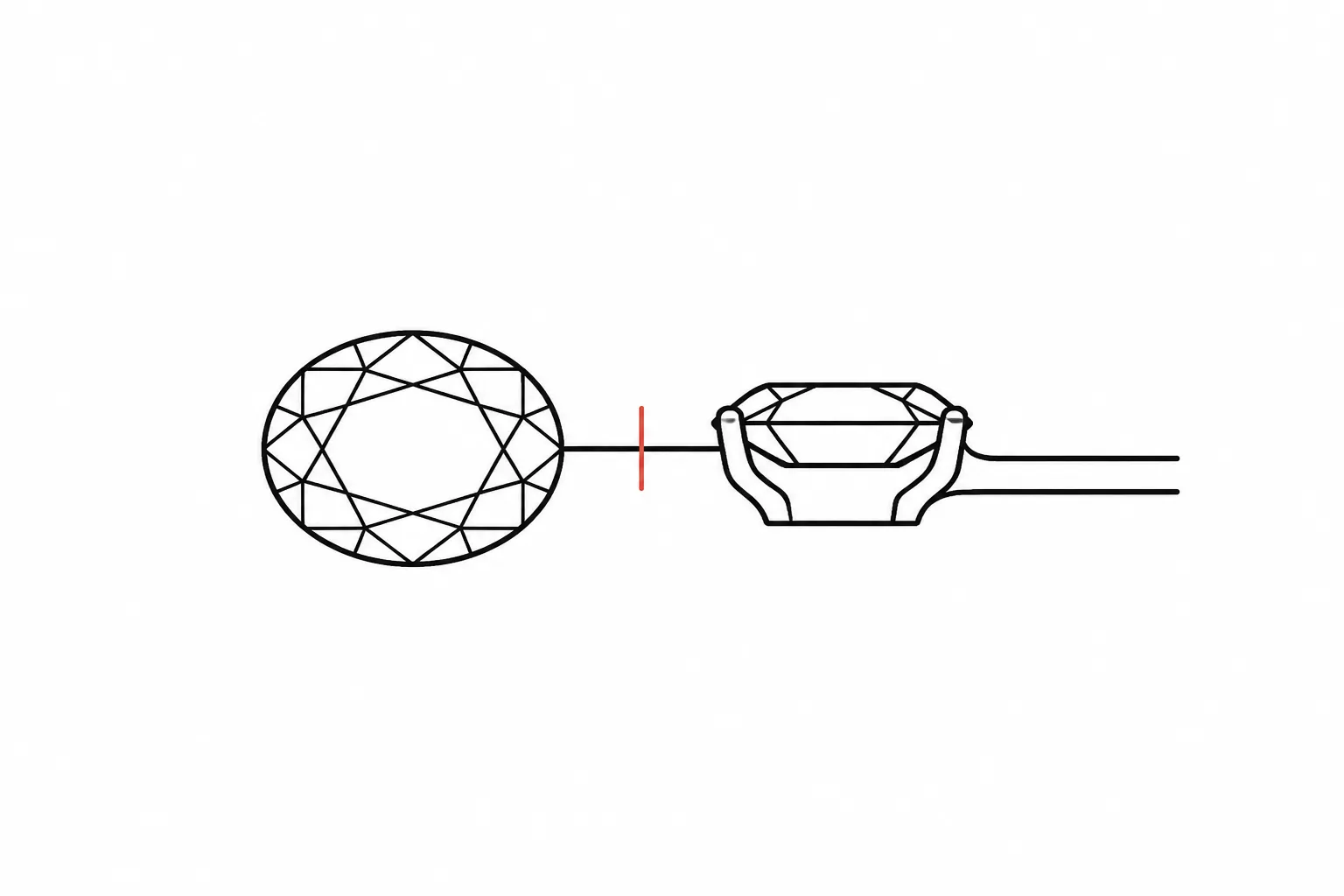
Jewelry Preview Annotation and Revision Control
A preview review often stalls at a small visual difference: a narrower shank, a higher-looking setting, or prongs that cover less of the stone outline. The change may be clear on screen while its practical consequence remains open.
For a useful handoff, ask four questions: what changed, which decision does it affect, what has been accepted, and who must confirm what remains unresolved? Jewelry design revisions become easier to manage when concept direction, source records, client preference, CAD development, quotation, and workshop review stay distinct.
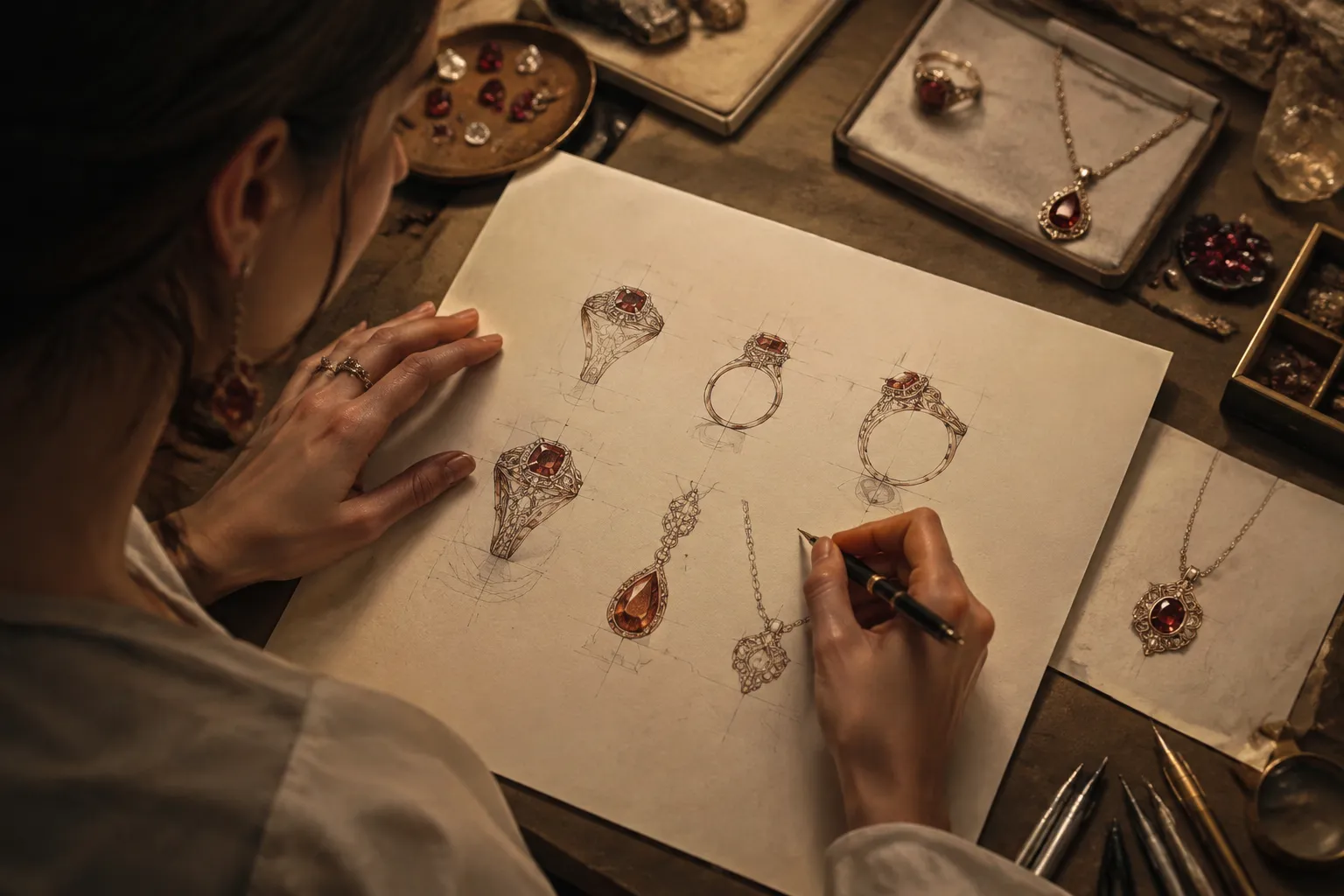
Mark what the image decides and what it leaves open.
What the Preview Can Show
The preview can communicate visible form. Depending on the view, it may show:
- Overall silhouette and relative proportion
- Stone shape and apparent placement
- Band or shank width as a visual direction
- Prong or bezel arrangement as depicted
- Setting height as an appearance cue
- Decorative details, motifs, and symbols
- Metal color or finish direction
- The relationship among a center stone, halo, gallery, chain, clasp, or surrounding structure
- Differences between two concept alternatives
These observations give the reviewer something concrete to mark. “Make it more refined” is difficult to route. “The side profile appears taller than the front view suggests; confirm the intended setting height and clearance” gives CAD or workshop review a defined question.
A render does not establish gemstone or metal identity, exact scale, fit, durability, hallmarking, price, availability, or manufacturing feasibility. Those questions belong to the relevant supplier, CAD specialist, jeweler, or workshop.
Keep Information Types Separate
A revision record becomes difficult to use when every statement appears to have the same source. Label the difference between what is visible, what the brief records, what an editor interprets, and what a technical role confirms.
| Information type | Example | What it supports |
|---|---|---|
| Visible observation | The side profile appears higher than version 02. | A comparison or revision note |
| Supplied brief fact | The current brief records a preference for a narrow band. | Client direction, if the brief is current |
| Editorial interpretation | The higher profile may change the visual balance beside the band. | A question for the next review |
| Technical confirmation | CAD or workshop review confirms the modeled clearance. | A defined technical decision |
The first three categories can guide discussion. Technical confirmation requires the responsible role and the relevant record. A source record adds another layer by identifying where a reference image, material description, dimensional note, or approval instruction came from. It does not turn that information into a confirmed production fact.
Fields for a Jewelry Preview Revision Log
The following fields create a practical record for client and CAD review without presenting a universal jewelry workflow standard.
Reviewed View or Version
Identify the file, image, view, or revision being discussed. “The latest render” is weaker than “side profile, version 03” because later reviewers may not know which artifact was reviewed.
- Front view, version 03
- Side profile, version 03
- Rotating preview with frame or timestamp
- Comparison sheet, option B
- Physical try-on model with a separately recorded review date
Visible Observation
Describe only what the reviewed artifact shows.
- The shank appears wider near the shoulders than in version 02.
- The center stone appears closer to the halo in the front view.
- The side profile shows more gallery structure.
- The clasp is visible in the rear view but not in the front presentation.
- The earring appears longer in the angled view than in the straight-on view.
Use “appears,” “suggests,” or “is shown as” when the image does not provide a confirmed dimension. An appearance should not be rewritten as a measurement.
Requested Change
State the intended revision without dictating an unconfirmed technical result.
- Compare a narrower-looking band.
- Show prongs visually closer to the stone shape in the brief.
- Lower the apparent setting profile.
- Simplify the decorative gallery.
- Compare the same pendant with a different stone shape.
- Show a cooler white metal direction.
- Retain the motif while reducing its visual prominence.
Decision Consequence
Explain why the change matters to the review. This keeps the record focused on the decision rather than on isolated visual preference.
- A narrower shank changes the balance between the center element and the band.
- A lower-looking setting changes the side silhouette.
- Different prong placement changes the visible relationship between the stone and setting.
- A smaller motif may better match the surrounding surface detail.
- A different stone shape changes the length-to-width impression.
- A new clasp position changes the rear-view composition.
Approval Scope
Record what the reviewer accepted and what remains outside that acceptance. “Approve the CAD rendering” is incomplete unless the scope names the reviewed appearance or design direction.
- Client approval covers the front-view silhouette and motif direction.
- Side-profile height remains open.
- Metal color is a concept direction only.
- The stone description comes from supplied information and is not confirmed by the preview.
- Option B is accepted for further CAD development.
- No workshop feasibility decision is recorded.
Approval of a visual direction should not silently expand into approval of fit, exact dimensions, material availability, price, durability, setting security, hallmarking, or workshop feasibility.
Unresolved Question and Confirmation Owner
Write the question that the current artifact cannot answer, then assign it to the role that can address it.
- Client: preference or design direction
- Designer: concept interpretation
- Supplier: recorded material or availability information
- CAD specialist: model development and dimensional review
- Jeweler: setting or design discussion
- Workshop: relevant production constraints
- Rights holder or licensing source: permission status
“Confirm the setting” is too broad. “Confirm whether the intended profile and clearance are represented in the identified CAD model” gives the next owner a usable task.
Compare Revisions by Decision Variable
Two versions are easier to judge when one main variable is isolated. Changing band width, stone shape, metal color, and setting height at once may create a stronger visual difference, but it becomes harder to identify which change addressed the original concern.
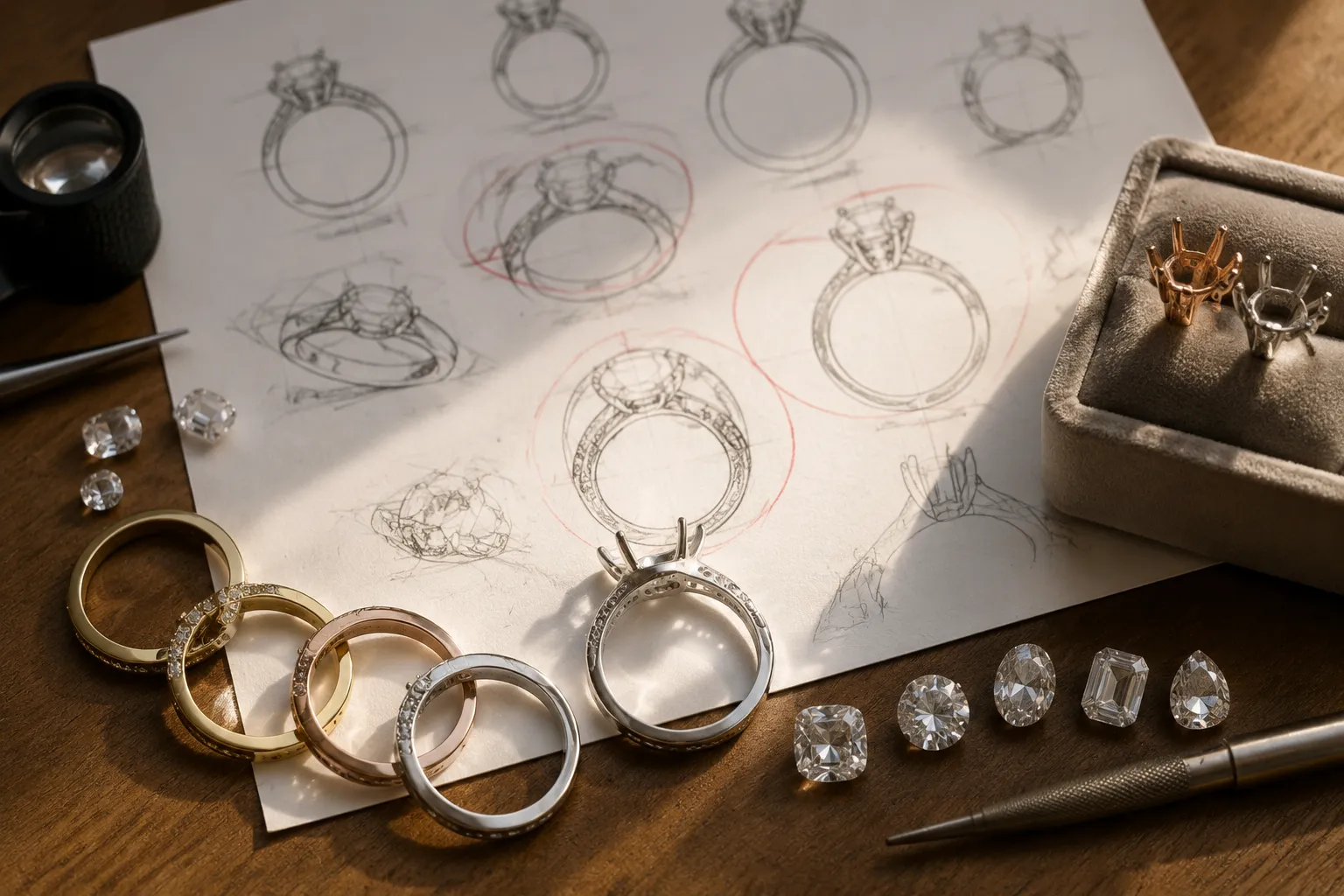
Band or Shank Width
A wider band can make the center element appear more visually supported. A narrower band can make the central form appear more prominent. These are visual comparisons, not conclusions about strength, comfort, or suitability.
Version 04 shows a narrower shank at the shoulders. Compare the center-to-band proportion from the front view, then confirm the intended width in CAD.
Keep the proportion question separate from the dimensional question. The preview can show a visual direction. CAD or workshop review must confirm the dimension and any relevant design constraints.
Prong Placement
Prong placement changes how much of a stone outline appears visible and how the setting reads from the front. A revision may make the stone appear more open, more enclosed, or differently aligned with the halo.
The revised prongs cover less of the visible stone outline in the front view. Confirm whether this is the intended direction and ask the setting reviewer to confirm the modeled arrangement.
The render shows the depicted arrangement, not the result of a technical inspection.
Setting Height and Clearance
A side view is useful for comparing the apparent height of a setting. The same piece may look low from the front and taller in profile.
The side view suggests a higher profile than option A. Review the intended height, clearance, and wearing implications with the CAD or workshop owner.
“Lower set” is often used as a preference in customer and market language. Treat it as a design direction until the responsible reviewer defines what it means in the model or workshop context.
Stone Shape
Stone shape changes the visual rhythm of a ring, pendant, earring, or coordinated collection. Round, oval, pear, emerald, and marquise directions can alter length, spacing, symmetry, and the relationship between the stone and its setting.
Option B reads longer because the center stone shape extends the vertical axis. Confirm whether the brief requires that shape or only the elongated visual effect.
A realistic image does not confirm gemstone identity, grade, provenance, or availability. Keep those details with the relevant supplier or sourcing record.
Metal Color and Finish
A preview may communicate a yellow, white, or silver-toned metal direction, along with a polished or matte-looking surface. Lighting and rendering conditions can change how that direction appears.
The revised surface reads cooler and less reflective than version 02. Record the intended metal and finish as assumptions until material selection is confirmed.
Do not use the render to establish composition, hallmarking, durability, or final surface behavior.
Decorative Details and Motifs
Decorative elements need a different comparison from dimensions. The decision may concern legibility, competition with the main stone, or consistency across a collection.
The motif is visible in the enlarged detail view but recedes in the full pendant view. Confirm whether recognition at full-piece scale matters.
If the motif comes from an external reference image, add a source record and a separate permission status. The reference may communicate direction without granting permission to reproduce it.
Use Multiple-Angle Review to Find Conflicts
A front image can hide depth, underside structure, clasp position, gallery form, and setting height. Compare front, side, rear, and angled views when the feature depends on more than one profile.
- What feature is visible here that is hidden elsewhere?
- Does the silhouette remain consistent across views?
- Which change is intentional, and which may be an unresolved modeling difference?
- Does this view show concept direction or a reviewed CAD state?
- Does the difference require client input, supplier information, CAD review, or workshop confirmation?
A pendant may appear balanced from the front while its bail or clasp relationship remains unclear from the rear. An earring may have the intended length in front view while its fastening detail remains unresolved in profile. A ring may show the desired top view while its side height still requires review.
Multiple-angle review improves the record. It does not establish feasibility.
Track Revision Status Without Blurring Approval
Status labels should describe the decision state, not imply more certainty than the record supports.
| Status | Meaning |
|---|---|
| Observed | A visible difference has been recorded. |
| Requested | A change has been asked for but is not yet shown. |
| Under review | The revised view is available for discussion. |
| Direction accepted | The reviewer accepts the visible design direction. |
| Scope limited | Acceptance covers only named views or features. |
| Information pending | A supplied fact, source record, or material detail remains unresolved. |
| CAD confirmation pending | A model or dimensional question needs CAD review. |
| Workshop confirmation pending | Relevant production constraints remain open. |
| Superseded | An earlier version is retained for history but no longer controls the discussion. |
“Approved” without a scope is too broad for a concept preview. “Final” can also mislead when the image remains separate from CAD, quotation, sourcing, or workshop review. Retain earlier versions instead of overwriting them, and give each artifact a stable identifier.
Research on annotation and product-data traceability can help explain why identifiers, revision history, and ownership records are useful. It does not establish a jewelry-specific standard, a required number of review stages, or a reliable revision benchmark.
Example Revision Log
| ID | Reviewed artifact | Visible observation | Requested change | Decision consequence | Approval scope | Unresolved question | Owner | Status |
|---|---|---|---|---|---|---|---|---|
| R-01 | Front view, version 02 | Shank appears broad near the shoulders. | Compare a narrower version. | Rebalances the center element and band. | Front-view proportion only. | What width should the CAD model record? | CAD specialist | Requested |
| R-02 | Side view, version 03 | Setting appears higher than option A. | Show a lower-looking profile. | Changes the side silhouette. | Side-profile direction only. | Confirm height, clearance, and wearing implications. | CAD or workshop reviewer | CAD confirmation pending |
| R-03 | Angled view, version 03 | Prongs cover more of the stone outline. | Reposition visually. | Changes the visible stone-to-setting relationship. | Front appearance only. | Confirm the modeled setting arrangement. | Jeweler or workshop | Under review |
| R-04 | Reference image | External image used for motif direction. | Record source and intended use. | Prevents source confusion at handoff. | Inspiration reference only. | Is reuse permission documented? | Rights owner or licensing source | Information pending |
| R-05 | Rear view, version 04 | Clasp is visible but absent from the brief. | Add a rear-view note. | Completes the comparison record. | Rear appearance only. | Confirm clasp selection and feasibility. | Designer, supplier, or workshop | Scope limited |
This is an editorial record structure, not evidence of a universal industry process. Its value is practical: a visible change, its consequence, and its owner remain together.
Source Records and Reference-Image Permissions
A reference image may help communicate a stone shape, surface treatment, motif, setting relationship, or overall direction. Its presence in a brief does not establish permission to copy, publish, modify, or reuse the image.
Record these items separately:
- Source title or description
- Source location as recorded in the project file
- Creator or rights holder, if known
- Date captured or added to the brief
- Intended use: inspiration, internal reference, presentation, or proposed reuse
- License terms, if supplied
- Permission record or rights-holder communication
- Required attribution
- Restrictions on modification, publication, or commercial use
- Open rights question
- Person responsible for confirmation
Attribution and permission are different records. A credit line may identify a source while leaving reuse permission unresolved.
This image is retained as inspiration for the halo relationship. Attribution information is recorded. Reuse permission for presentation has not been confirmed.
That note preserves the creative purpose of the reference without treating source information as a license.
Define the Handoff Owner
A handoff is ready for its current stage when the next owner can identify the controlling version, requested changes, and unresolved questions.
- Designer or editor records the visible difference. Identify the view and version.
- Client confirms preference or design direction. Name the feature and the scope of acceptance.
- Supplier confirms recorded material information. Stone, metal, availability, and related commercial details remain source-dependent.
- CAD specialist develops or checks the model. Dimensional and geometric questions belong to model review.
- Prototype or try-on feedback is recorded separately. A physical review can raise questions about fit, scale, and wearing experience that a screen preview cannot answer.
- Quotation is recorded as its own stage. A visual change does not establish price.
- Workshop confirms remaining production questions. The relevant design and process constraints still need review.
This sequence is conditional, not a claim that every jewelry project follows the same stages. The controlling principle is ownership: name the person or role able to answer each question.
Resolve Conflicts Between Views and Records
When Two Views Show Different Proportions
Check whether the difference comes from camera angle, presentation scale, lighting, or an actual design change. Do not assume that the most realistic-looking view controls the revision.
The front and angled views show different apparent shoulder widths. Confirm whether this is a camera effect or a model revision.
When the Brief and Preview Disagree
The current brief may contain a preference that the preview does not yet reflect. The preview may also have changed while the brief stayed unchanged.
The brief records a narrow shank, while version 03 appears wider. Confirm which instruction controls before further development.
When the Preview and CAD State Differ
A presentation render may come from another model state or show a concept adjustment not yet incorporated into the CAD file.
The presentation view shows a lower-looking profile than the identified CAD state. Confirm the controlling model version and whether the visual change is intended for development.
When a Reference Image Is Mistaken for a Specification
An inspiration image may show a design relationship without supplying dimensions, materials, or permission to reproduce it.
The reference supports the motif direction only. Dimensions, materials, source rights, and technical feasibility remain unresolved.
The aim is not to force every artifact into agreement immediately. Preserve the conflict, identify its origin, and assign the next confirmation.
Common Misreadings
“The render looks realistic, so the details must be confirmed.”
Realistic lighting and surface treatment make a concept easier to inspect. They do not confirm the depicted stone, metal, scale, or construction.
“The client approved the CAD, so the piece is technically settled.”
The phrase may describe visual sign-off. Unless the record names technical scope, do not extend it to fit, durability, setting arrangement, or workshop feasibility.
“A lower-looking setting proves the setting is low.”
The view shows an appearance cue. Intended height and clearance require a defined model or workshop review.
“More revisions mean the process has failed.”
The available material does not establish a reliable revision benchmark or a dependable relationship between revision quantity and outcome. Record the reason, scope, owner, and result of each change instead.
“The source is credited, so the image can be reused.”
Attribution identifies the source. Permission, license terms, public-domain status, and rights-holder communication remain separate records.
“A prototype confirms the final piece.”
A physical prototype or try-on model may reveal questions hidden by a screen preview. It remains a separate review artifact and does not automatically settle later material, quotation, or workshop decisions.
Compact Review Checklist
- Identify the reviewed view or version.
- Base each note on a visible feature or a current brief item.
- State the requested change without inventing an exact technical result.
- Explain the decision consequence.
- Define the approval scope.
- Label assumptions about stones, metals, dimensions, availability, and price.
- Keep source and permission records separate.
- Compare front, side, rear, and angled views when the feature requires it.
- Assign unresolved questions to the client, supplier, CAD specialist, jeweler, rights holder, or workshop.
- Retain superseded versions for revision history.
- Distinguish concept direction from CAD development and workshop confirmation.
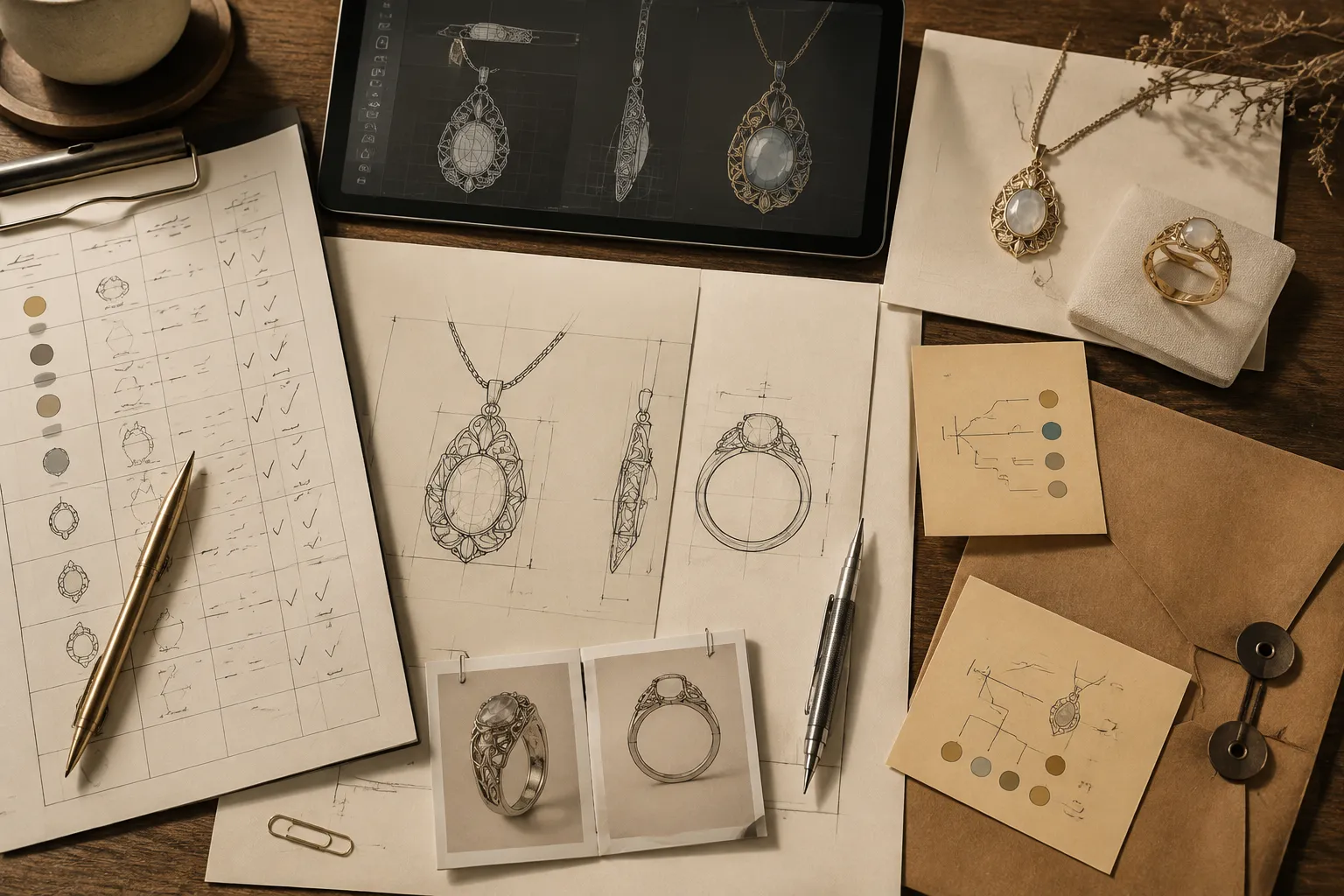
A short record answering these questions is more useful than a polished image with no ownership or status. The next handoff should carry the controlling version, the accepted visual scope, the open questions, and the role responsible for confirming each one.
Sources
- Copyright & Permissions - Images, Videos, and Procedures - Library Guides at Florida State University Maguire Medical Library
- Using third party content in your article - Author Services
- IP and Business: Using Photographs of Copyrighted Works and Trademarks
- Frequently Asked Questions: Copyright
- DIGITAL TRANSFORMATION OF JEWELRY MANUFACTURING: INTEGRATION OF CAD/CAM SYSTEMS INTO THE PRODUCTION CYCLE
- From Voice to Knowledge: A Proposal for a Voice Annotation System to Support Collaborative Engineering Design Processes
- Research results and recommendations for universally unique identifiers in product data standards