Multi-View Consistency Review
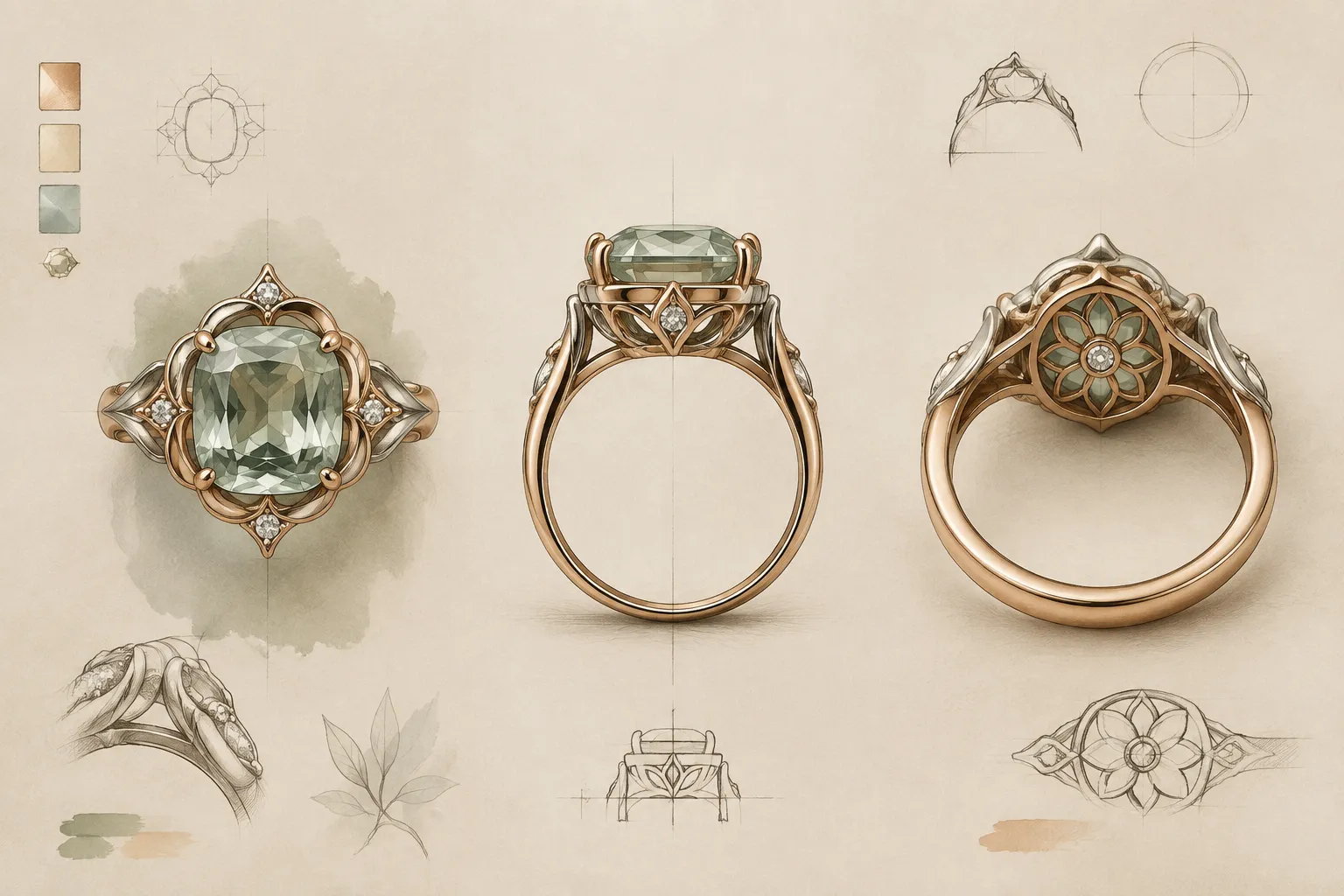
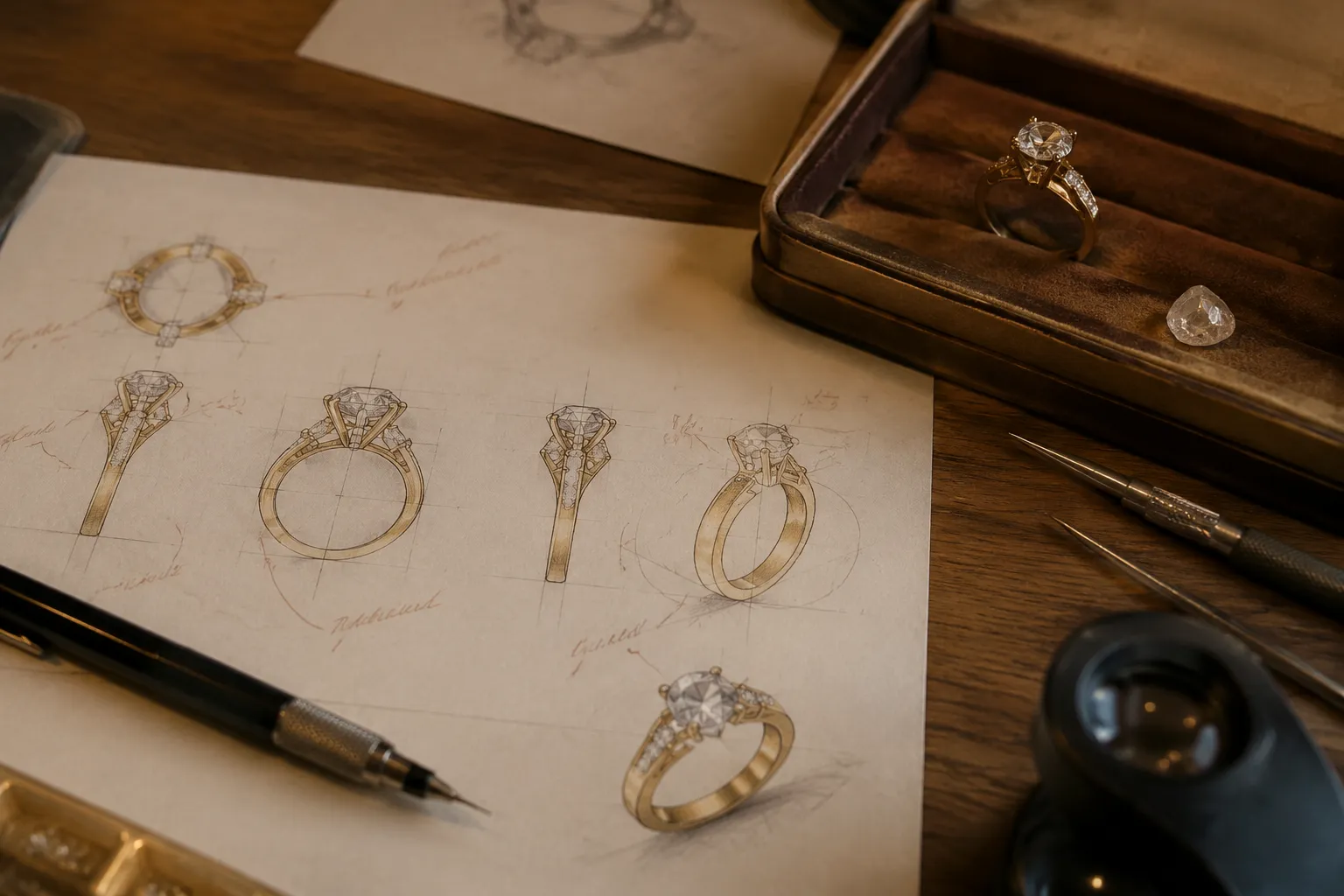
A jewelry concept can look settled in one image and unresolved in the next. The face-up view may suggest a balanced halo, while the ring profile shows a taller head, heavier shank, or unclear gallery. The underside may introduce an opening, bridge, or decorative detail that the brief never recorded.
A multi-view consistency review asks a narrower question than whether the design looks good. It asks whether the same concept remains visually coherent across its intended views, and which discrepancies should become revision questions before the idea moves into sourcing, CAD development, quotation, or workshop review.
The preview shows a visual concept. It does not establish exact dimensions, stone identity, material behavior, fit, durability, setting security, price, availability, hallmarking, or manufacturability.
What Counts as a Consistent Jewelry Concept?
Consistency does not mean that every view looks identical. A face-up image, side profile, gallery view, and underside view reveal different surfaces, so variation is expected. The useful test is whether they describe the same design logic.
- The central stone shape and orientation remain aligned with the stated concept.
- The halo, bezel, or prongs appear to belong to the same setting.
- The shank transitions toward the head without an unexplained change in width or direction.
- The gallery and underside support the form shown above rather than introducing an unrelated treatment.
- Decorative elements remain proportionate when another angle reveals them.
- The metal finish and color direction remain identified as the same assumption across the set.
- The brief, preview images, and later CAD or technical material do not silently describe different versions.
A discrepancy becomes meaningful when it could change a design decision. A different highlight may result from lighting. A profile that appears substantially taller than the face-up composition suggests a proportion or clearance question.
Verdict: visual continuity is a review signal, not production proof.
Start with Face-Up and Profile Views
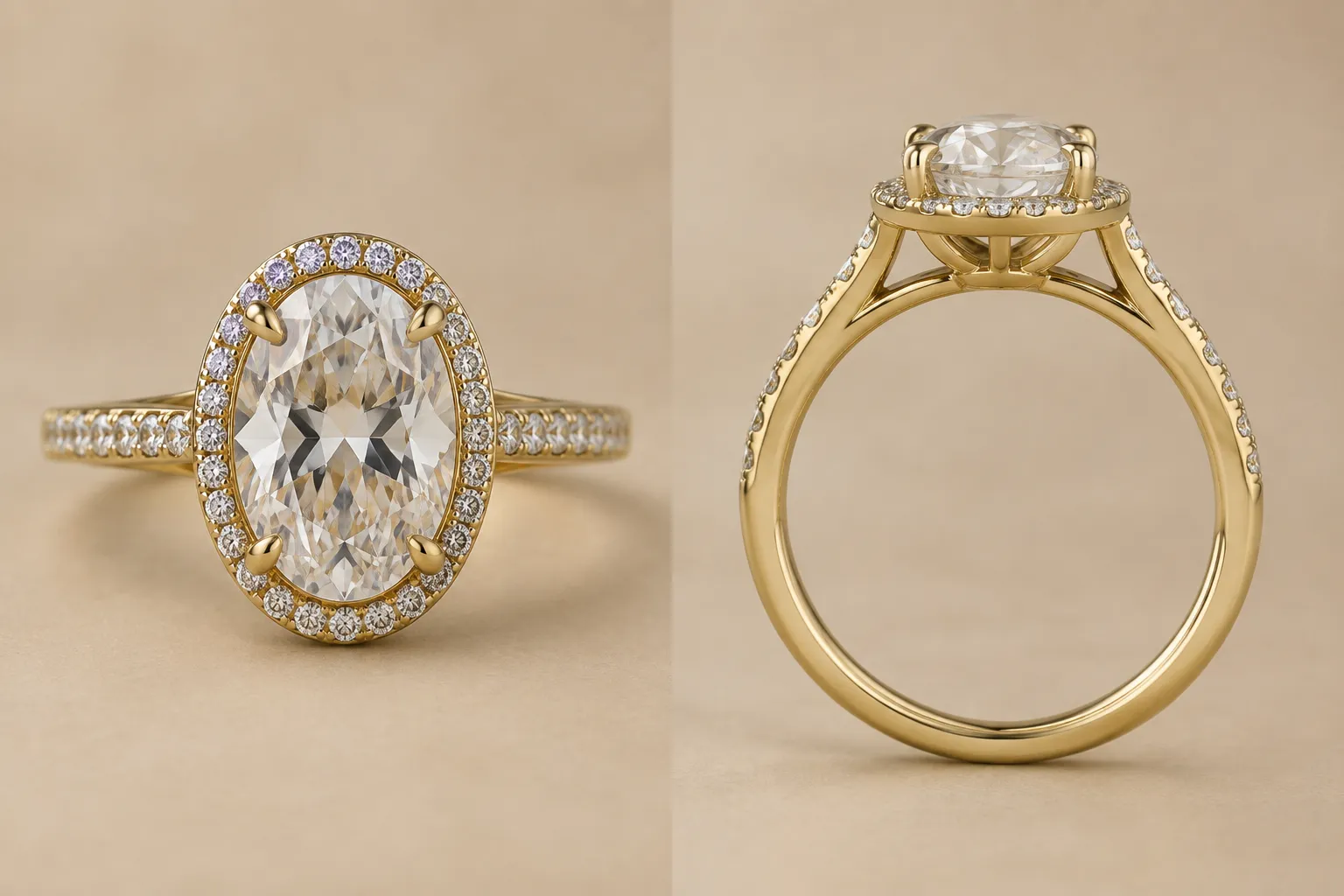
The face-up view usually carries the main visual direction. It shows the stone outline, surrounding accents, shoulder arrangement, and overall silhouette from above. The ring profile exposes height, setting elevation, gallery construction, and the relationship between the head and shank.
Place these views beside each other instead of reviewing them as separate images. Begin with the elements that should remain connected.
Stone and Setting Alignment
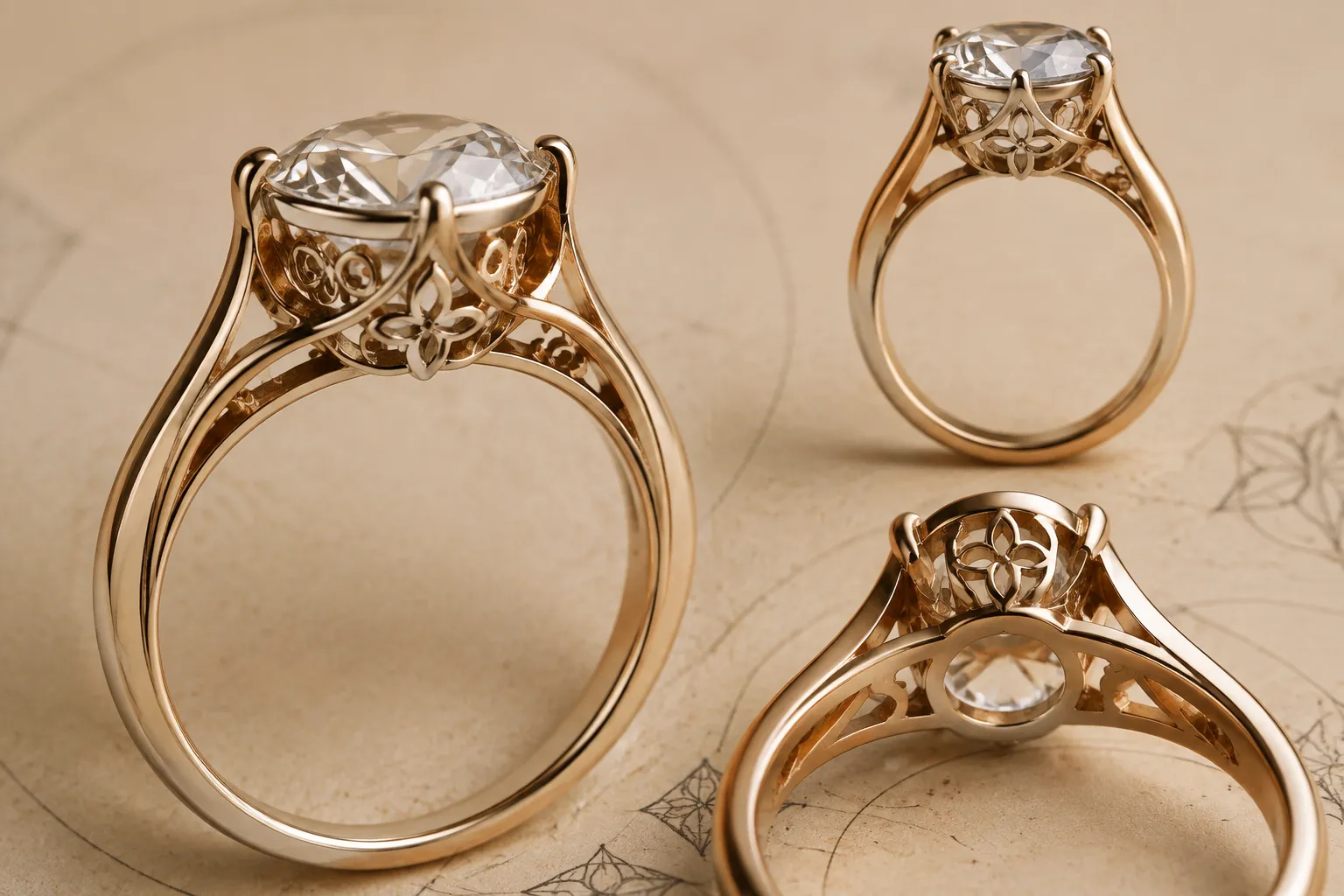
Compare the central stone's apparent axis with the band. If the face-up view presents a centered oval, pear, or marquise shape, the profile should support the same orientation. A rotated or displaced setting in the profile may reflect a camera difference, but it can also reveal an unresolved alignment question.
Face-up view shows a centered elongated stone. The profile appears to rotate the setting toward the outer shoulder. Confirm the intended stone axis and head orientation in the CAD model.
The designer or CAD specialist can usually clarify the visual alignment. The setter or workshop still needs to confirm how the setting will be developed.
Head Height and Apparent Thickness
A high setting can change the character of a ring even when the face-up outline remains unchanged. The profile may show a tall head, raised gallery, or deep basket that the top view does not communicate.
Avoid assigning a precise height unless the brief or model records one. Magnification, cropping, camera position, and perspective can all change apparent thickness.
The profile reads taller than the face-up view suggests. Confirm whether this is an intentional raised setting or a presentation effect, then record the relevant dimensions separately.
Keep the review in three layers:
- Observed: the profile appears tall.
- Interpreted: the height could alter visual balance or the intended wearing position.
- Unresolved: the CAD or workshop documentation must confirm actual dimensions and fit-related implications.
Shoulder and Shank Transition
The face-up view may show a narrow, rounded, split, or tapered shank. The profile should make its transition toward the head intelligible. Look for an abrupt change in apparent width, a shoulder that disappears, or a band that seems to meet the setting at a different point.
The term shank helps locate the issue, although terminology can vary between workshops. Use the label that makes the note clear, then confirm it during handoff.
Face-up view shows a tapered shank ending beneath the halo. Profile view suggests the shoulder meets the head lower than expected. Confirm the transition point and whether the taper is intentional.
This note supports revision without claiming that the design is structurally unsuitable.
Use the Gallery View to Explain Hidden Structure
The gallery sits within the side-profile area of a ring head and may include decorative or open elements beneath the setting. Market language sometimes treats a gallery as an opportunity for personalization, but the review question is more practical: what does the concept actually contain?
Compare the gallery view with the face-up and profile views using three checks.
Does the Gallery Belong to the Same Silhouette?
A face-up preview may suggest a clean halo and open space beneath it. The gallery view might show a solid basket, decorative arches, or additional metal that changes the visual weight.
That difference is not automatically an error. It becomes a review issue when the added form changes the concept's balance or conflicts with the brief.
Gallery view introduces a continuous basket beneath the center stone. The brief records an open under-gallery. Confirm whether the basket is a concept placeholder or a requested revision.
Are Prongs, Rails, and the Head Represented Consistently?
A top view can make prongs appear evenly spaced even when the profile implies a different support arrangement. A side view may also reveal a gallery rail or bridge that does not align with the placement shown from above.
Use anatomy terms when they identify the location of the discrepancy:
- Prongs: visible holding elements around the stone.
- Head or basket: the structure surrounding or supporting the central setting.
- Bridge: a connecting element beneath or between parts of the setting.
- Gallery or under-gallery: the area beneath the visible top setting.
These labels help a CAD specialist or jeweler find the issue. They do not establish whether the arrangement is secure or suitable.
Face-up view suggests four evenly spaced prongs. Profile view shows a side support that appears offset from that rhythm. Confirm the intended prong count, positions, and setting interpretation.
The setter must confirm the setting implications. The preview alone cannot do so.
Does the Underside Add a New Design Decision?
An underside view may reveal an opening, engraved area, decorative framework, or hidden surface treatment. These details can affect approval because they may be visible during wear or handling.
- Is the opening intentional?
- Is the decorative treatment recorded?
- Does the underside match the metal and finish assumptions?
- Is the visible detail part of the concept or only a rendering artifact?
- Was the detail derived from a reference that needs a separate rights review?
Underside view shows a patterned opening not described in the brief. Confirm whether it is part of the concept direction before carrying it into CAD development.
Compare Top, Side, and Underside as One Review Unit
Follow the same feature through every available view. Do not ask the top view to answer a profile question, or the gallery view to establish a production fact.
| Feature | Face-up view | Profile or gallery view | Revision question |
|---|---|---|---|
| Central stone | Shape, orientation, and visible outline | Height, support, and apparent tilt | Is the same stone assumption carried through each view? |
| Halo or bezel | Outer contour and spacing | Edge height and relation to the head | Does the surrounding structure remain one coherent setting? |
| Prongs | Visible count and rhythm | Support position and projection | Which positions are intended, and who confirms them? |
| Shank | Width, taper, split, or shoulder line | Thickness and connection beneath the head | Is the transition consistent with the brief? |
| Gallery | Often partly hidden | Arches, basket, bridge, or open space | Is the added structure intentional or provisional? |
| Underside | Usually not visible | Openings, finish, engraving, or hidden detail | Does the underside contain a recorded design decision? |
This board is a comparison aid, not a substitute for a technical drawing or CAD review. It identifies where the next reviewer should look.
Distinguish Perspective Renders from Orthographic Views
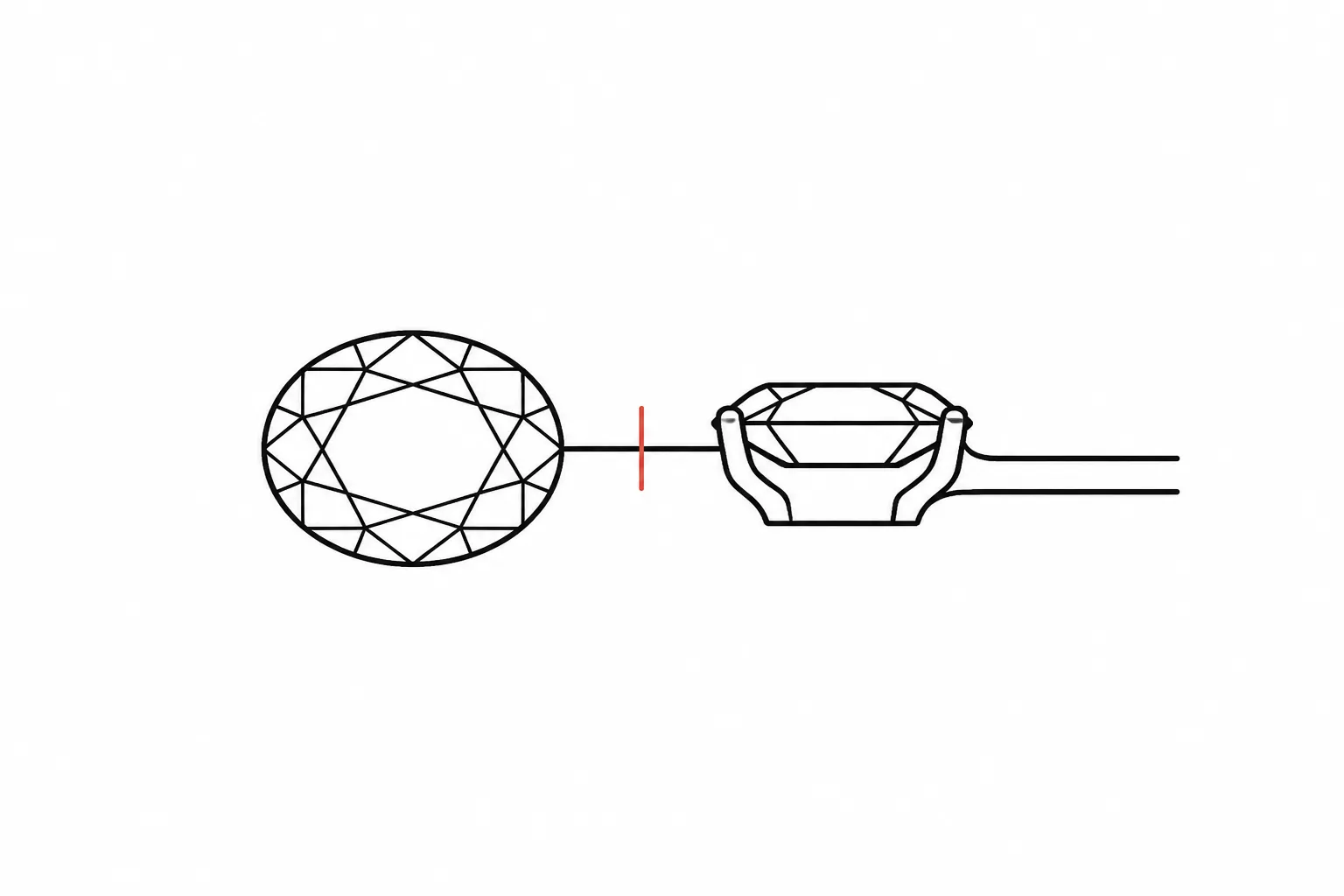
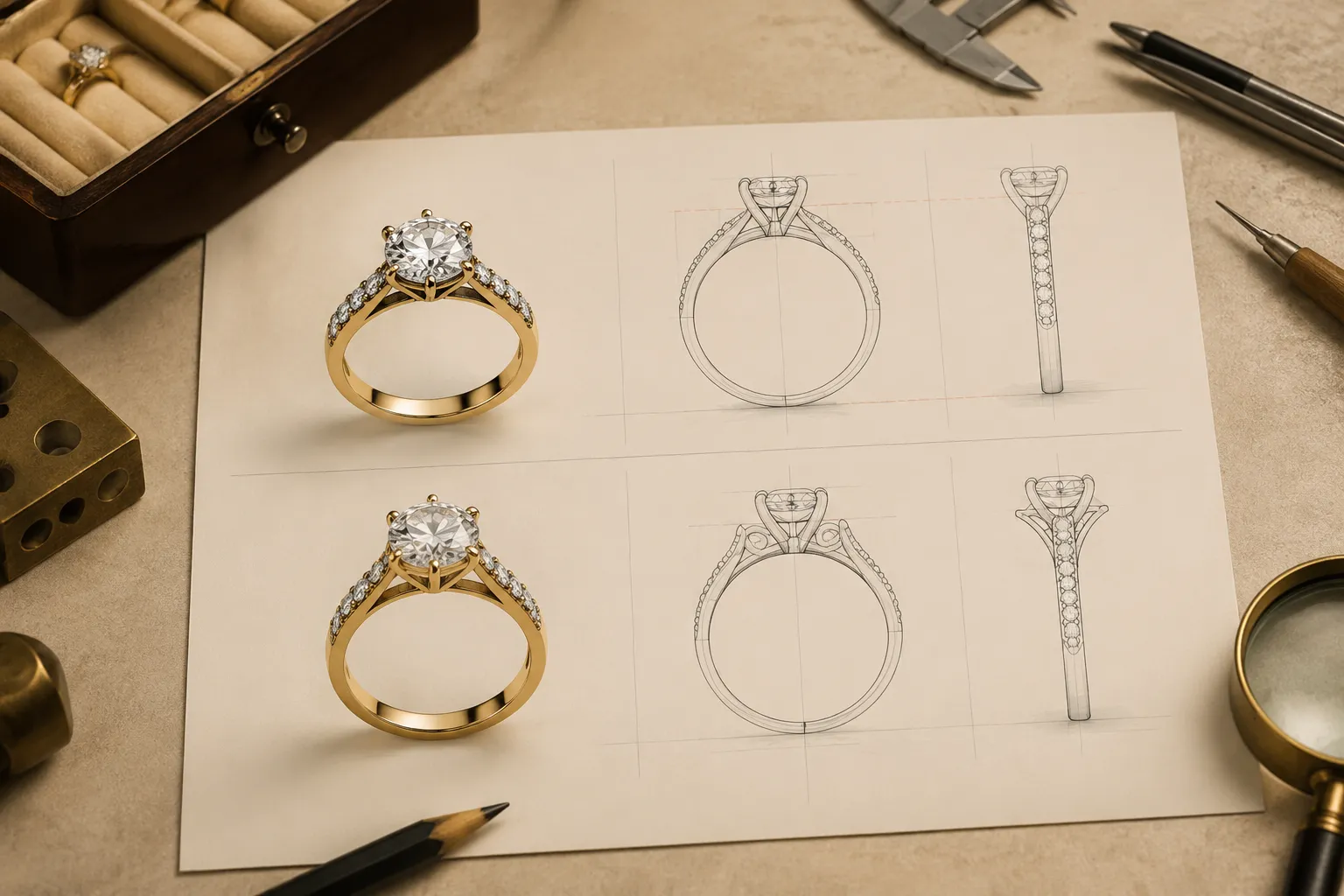
Perspective and orthographic views serve different communication purposes. A perspective render presents depth from a chosen viewpoint. Camera position, focal length, lighting, reflections, and cropping influence the result, so a profile in perspective may look different from a strict side representation.
An orthographic view represents the object from a defined direction without the same perspective convergence. Educational material on orthographic drawing supports the terminology and its use for controlled comparison, but the available sources do not establish a complete universal review method for jewelry previews.
For this review, keep the distinction practical:
- Use the perspective render to discuss appearance, visible finish, and presentation.
- Use the orthographic or controlled view to compare proportion, alignment, and relative placement.
- Use the CAD model or technical documentation for recorded dimensions and model-specific information.
- Route production questions to the responsible jeweler, setter, CAD specialist, or workshop.
If a perspective render and an orthographic view appear to disagree, ask first whether their camera systems differ. If the discrepancy remains after the views are aligned, record it as a design question.
Perspective view makes the gallery appear shallow, while the controlled profile shows a deeper structure. Confirm which view represents the intended concept and retain the other as presentation context.
Check the Brief Against the Images
Visual consistency can fail because the images disagree, but it can also fail because the images and brief describe different versions. Create a short assumptions register before requesting revisions.
- Observed feature: what the preview visibly shows.
- Briefed feature: what the supplied concept record requests or describes.
- Hypothetical specification: an assumed stone, metal, finish, dimension, or proportion.
- Confirmation item: what another responsible role must verify.
For example:
Observed: the face-up image shows a round center stone with a narrow halo.
Briefed: the requested direction calls for a low-profile appearance.
Assumed: stone type, metal, and dimensions are not yet recorded.
Confirm: CAD specialist and workshop to review the profile and actual proportions.
This format prevents a realistic image from becoming an accidental specification. It also gives the next reviewer a clear starting point.
Common Ring Preview Discrepancies
Some mismatches recur because each view hides a different part of the object.
The Top View Looks Balanced, but the Profile Feels Heavy
The face-up silhouette may be coherent while the head, gallery, or basket appears visually tall. Treat this as an apparent proportion issue until dimensions are recorded.
The Profile Shows a Different Centerline
The stone may appear centered from above but tilted or offset from the band in profile. Confirm the intended axis before discussing feasibility.
The Gallery Is More Ornate Than the Main Design
Decorative under-gallery details can become a separate design direction. Check whether they appear in the brief or were introduced during visualization.
The Underside Is Missing
A missing underside view does not establish a defect. It means the review set cannot answer questions about hidden openings, engraving, bridges, or other lower details.
The Render Suggests More Metal Than the Record Supports
Reflections and magnification can make edges, prongs, and shanks appear broader. Request a controlled view or model reference rather than inferring material quantity.
The Reference and Preview Are Close but Not Identical
A visual reference can communicate shape, setting language, or proportion without becoming an identical copy. Keep the source record and rights status separate from the visual comparison. Reusing an image, design, or text requires a relevant license, permission record, or rights-holder communication.
A Practical Review Workflow
Use this sequence when a ring preview approaches a consultation or revision checkpoint.
- Freeze the version being reviewed. Record the image set or revision identifier in the working brief. Do not compare a current face-up render with an earlier profile by accident.
- Align the review set. Place the face-up, profile, gallery, and underside views together. Note which are perspective renders, controlled views, orthographic drawings, CAD screenshots, or other artifacts.
- Follow one feature across views. Start with the center stone and setting, then continue through the halo or bezel, prongs, head, gallery, shoulders, shank, and underside. Stop when a feature is not represented instead of filling the gap with an assumption.
- Describe the visible discrepancy. Name the view and location. “The profile appears taller beneath the center stone” is more useful than “the proportions are wrong.”
- State the decision consequence. Explain what might change: visual balance, low-profile direction, alignment, decorative treatment, or the next approval step. Keep the language conditional when the evidence is visual only.
- Assign the confirmation owner. The jeweler may clarify the brief. The CAD specialist may reconcile model views. The setter may review setting-specific questions. The workshop may confirm dimensions, fit, material behavior, hallmarking, availability, price, durability, or manufacturability.
- Mark the approval status. Use a clear status such as concept direction, revision requested, awaiting source information, or awaiting qualified review. A polished image is not an approval record.
When the Review Should Pause
Pause the handoff when a discrepancy changes the identity of the piece rather than merely its presentation.
- The face-up view shows a bezel while the profile suggests prongs.
- The brief requests an open gallery while the render shows a solid basket.
- The center stone shape changes between views.
- The shank is split in one view and continuous in another.
- The underside introduces an unrecorded motif that may require separate approval.
- A dimension, stone, metal, finish, or price is treated as settled without a dated supporting record.
- The source image or close reference has no recorded rights status.
A pause is a documentation decision. It does not determine whether the design can be made. It keeps an unresolved change from moving forward as though it had already been confirmed.
Handoff Questions for a Ring Design Review
Use questions that preserve the difference between appearance and confirmation:
- Which view is the current reference for the intended silhouette?
- Are the face-up and profile views generated from the same concept version?
- Is the apparent setting height intentional, or does it result from the camera and crop?
- Does the gallery match the brief's stated treatment?
- Are the prong, basket, bridge, and shank labels understood the same way by each role?
- Which dimensions are recorded, and which remain hypothetical?
- Does the CAD model reconcile the visible top, side, and underside relationships?
- Which setting, fit, durability, or manufacturability questions belong to the setter or workshop?
- Are stone identity, metal, finish, availability, and price still assumptions?
- What approval status should accompany the next revision?
- Does any reference image require a permission or licensing record before reuse?
The most useful question names both the visible location and the next responsible owner.
FAQ
What are jewelry design views?
Jewelry design views are separate representations of the same concept, such as face-up, side profile, gallery, underside, perspective, orthographic, CAD, or rendered views. Each exposes different features and carries a different communication responsibility.
How do I reconcile face-up and profile views of a ring preview?
Compare the centerline, setting height, halo or bezel, prongs, head, gallery, shoulders, and shank as connected features. Record where the views diverge, state the decision that may be affected, and ask the appropriate jeweler, CAD specialist, setter, or workshop to confirm the unresolved point.
What does a gallery view of a ring show?
A gallery view shows the area beneath or around the main setting, including possible arches, basket elements, bridges, openings, or decorative treatments. Terminology can vary, so confirm the label with the responsible workshop.
Does a ring profile view establish the actual height?
No. It can show that the setting appears taller or lower within the presented concept. Actual height requires a suitable model, drawing, or measurement record.
Is a CAD ring view comparison the same as a production review?
No. A CAD model or view comparison can help reconcile visual relationships and record model-specific information, but it is not automatically a production specification. Workshop review remains separate.
Can a render establish that a setting is secure?
No. A render can expose a question about prongs, a bezel, a basket, or spacing. Setting security requires qualified review of the relevant model, materials, dimensions, and construction.
What should I do when the underside view is missing?
Mark the underside as unresolved. Ask whether the hidden surface contains an intentional opening, engraving, bridge, or decorative element, and request the relevant view before treating the concept as fully reviewed.
The Review Decision
A jewelry concept has passed a useful multi-view review when the visible views can be reconciled into one clearly labeled direction, unresolved discrepancies are recorded, and each production-related question has an identified owner.
The conclusion remains limited. The preview supports comparison and revision. The brief records intent. CAD and technical materials may add model-specific information. A qualified jeweler, setter, CAD specialist, or workshop must confirm the facts that visual consistency cannot establish.
For the next handoff, attach the reviewed version, mark each unresolved feature, record the relevant source or rights status, and assign the confirmation owner beside every question.